Home
XtreamUIPro

Corporate Training

Internal video on servers the company controls

Training materials become a library by department, a town hall becomes a live channel, and every employee's access is a line your HR system can open and close — with the video never leaving your infrastructure.

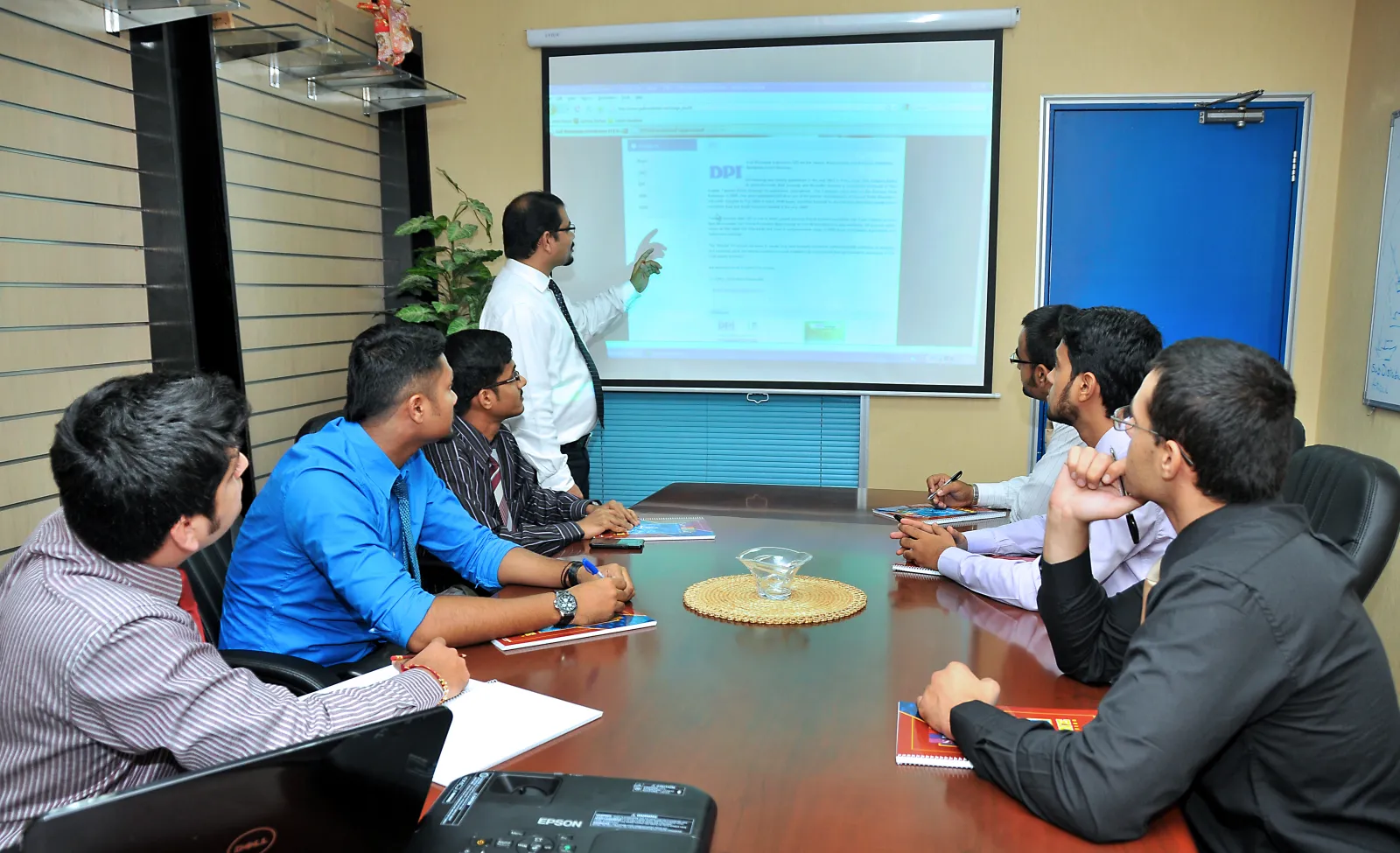
Colleagues in a meeting room following a presentation on a projector screen.
Photo: Mark Jayson Aranda · CC BY-SA 3.0

The challenges

What a company has to solve

  • Confidential video on public platforms

    Training and internal communication end up on video sites outside the company, with the audience and the retention out of your control.

  • Access tied to employment

    Joiners need access on day one, leavers must lose it the same day, and a department should see its own material and not another's.

  • Live sessions for a distributed workforce

    A town hall or a training session must reach every site at once, without saturating the link of each office.

How Xtream UI Pro helps

How the platform fits

  • A library by department

    Each department's training collection is a bouquet; a package grants an employee the collections of his role; recordings are series and episodes with their own categories.

  • Employee access from HR

    The HR or LMS system creates, renews and disables lines through the Reseller API; the package's period and its renewals set the expiry, the policy sets the connection limit.

  • A node per office

    An internal session goes out as a live channel; each office's node pulls it once from the origin and serves its people locally.

Platform capabilities

What this industry uses

The capabilities below are the ones this deployment relies on. Each is in the product today; nothing here is planned or on request.

  • Video on demand

    Movies, series with seasons and episodes, and radio, organised in categories and bouquets, with TMDB metadata and an ingest job that downloads and encodes your sources.

    Signed, time-limited playback links · per-node VOD cache

  • Live streaming

    Live channels from your own sources, with EPG, catch-up and timeshift where the source allows, delivered as HLS or MPEG-TS to the apps and boxes your viewers use.

    Origin hub with one upstream per channel · RTMP in and out · ffmpeg transcoding

  • Subscriber management

    A line is one viewer's access: package, bouquets, expiry, connection limit and output formats, with activation codes, trials and renewals following the same rules everywhere.

    Xtream Codes API, M3U/XMLTV, MAG and Enigma2 portals, web player

  • Security & access control

    Two-factor sign-in, sealed secrets at rest, signed playback links bound to the viewer, IP and country rules, connection limits and brute-force protection.

    TOTP · AES-sealed keys · HMAC-signed URLs · GeoIP and ISP rules

  • API & integrations

    Create, renew and suspend access from your own systems through the Reseller API, receive signed webhooks, and connect billing or commerce platforms with a ready connector.

    Reseller API with idempotent request ids · Admin API keys · 17 connectors

  • Monitoring & operations

    Connection and traffic views, audit logs, Prometheus metrics, alerts by mail, Telegram or webhook, maintenance mode and a built-in update check.

    /metrics endpoints · job queue with leases · encrypted database backups

In the panel

The pages this deployment lives in

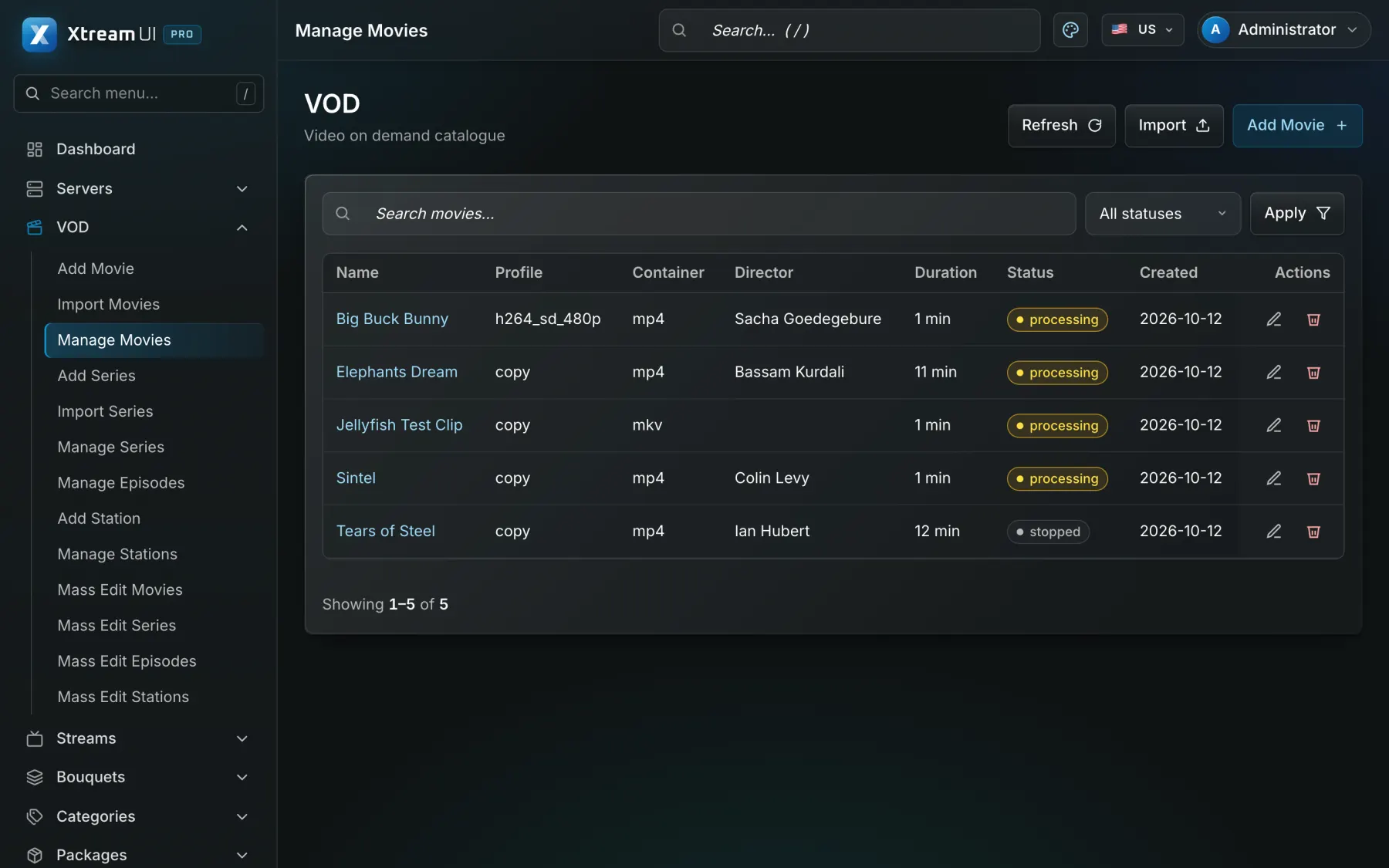
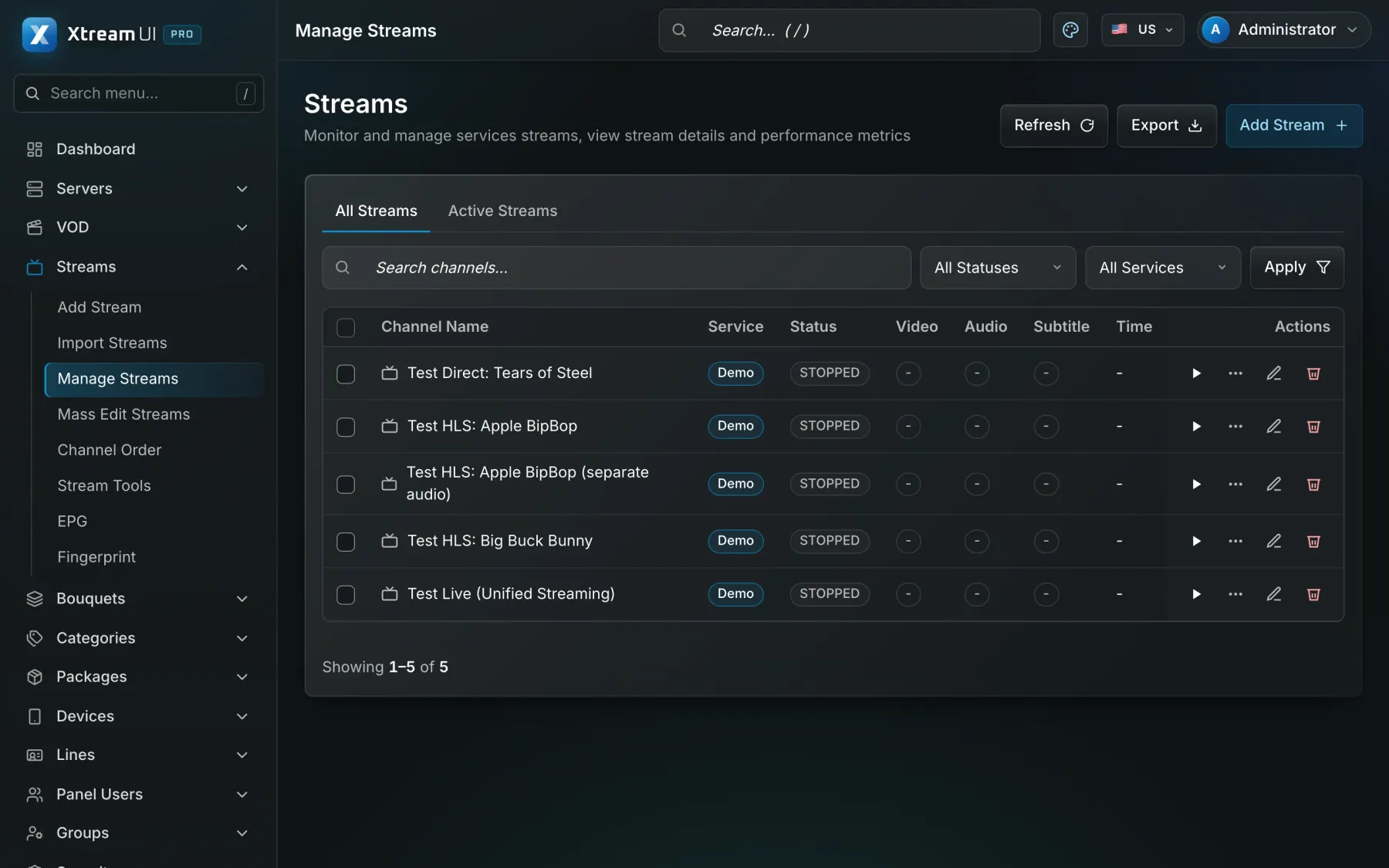
Screenshots of the dashboard of a fresh installation with the sample catalogue. Nothing is mocked up.

The Movies page of the dashboard: the films of the catalogue with their category, year and status.
Video on demand · Signed, time-limited playback links · per-node VOD cache
The Streams page of the dashboard: the live channels with their status, category, source and output formats.
Live streaming · Origin hub with one upstream per channel · RTMP in and out · ffmpeg transcoding

Infrastructure architecture

Example deployment: three offices, one library

A management server in the headquarters data room, a node in each remote office, recordings uploaded by the training team, live sessions from the auditorium, and HR driving the accounts.

Pick a part of the diagram to see what it does.

In a corporate deployment the sources are uploaded training recordings and the auditorium's live feed; the panel holds the department libraries and the employee lines; a node per office serves it; HR or the LMS connects through the API.

  1. Install at headquarters

    The panel, the API, the worker and the origin run on a company server; the training team gets a partner account with its own permissions.

  2. Organise the library

    One bouquet per department collection, categories per topic, series for multi-part courses; packages per role grant the right collections.

  3. Open access from HR

    The HR system creates a line per employee through the API with the contract end as expiry and disables it when the person leaves.

  4. Stream the town hall

    The auditorium feed is a live channel in the all-staff bouquet; the nodes in the offices fan it out, and the recording joins the library afterwards.

Configuration mapping

Your concepts, the platform's objects

The platform has no industry-specific objects: a bouquet, a line, a package or a partner account is used as the concept your industry needs. These are conceptual mappings, not native features of that industry.

Step-by-step setup guide

Prerequisites, deployment at headquarters and offices, department libraries, employee access from HR, live sessions, confidentiality and troubleshooting, step by step.

Read the setup guide
In your industryOn the platform
Department training collectionBouquet: a named set of channels, films or series that a package grants
Training materialsVOD catalogue: movies and series with seasons and episodes, categories and metadata
Employee accessLine: one access with its package, bouquets, expiry, connection limit and outputs
Internal training sessionLive channel: a stream with its sources, EPG and output formats
HR or LMS integrationReseller API and webhooks: the operations of the panel from your own system
Devices per employeeMax connections of the line: how many devices may watch at once

Integration considerations

HR and learning management systems connect through the Reseller API (create, renew, disable a line) and webhooks; the panel has no native HR connector and no single sign-on for viewers, so an employee signs in to the player with the line's credentials your system issued. Commerce connectors are not needed for an internal deployment.

Security considerations

Keep the platform on the company network or behind your reverse proxy; lines carry a connection limit and can be bound to an address; playback links are signed and expire; panel accounts use two-factor sign-in, permission groups and an audit log. Confidential material should be in bouquets only the right packages grant.

Content rights and licensing

The company must hold the rights to the material it distributes internally, including licensed third-party courses; the platform supplies no content. Standard plans apply; an Enterprise engagement adds integration work and an SLA.

Content Rights & Acceptable Use

Help centre

Questions from this industry

The questions operators ask before a deployment. The help centre has the general ones.

Help centre
Can we restrict a video to one department?

Yes. Put it in a bouquet that only that department's package grants; a line sees only the bouquets of its package.

Does it integrate with our HR system?

Through the API: your HR system creates, renews and disables lines, and receives webhooks on changes. There is no native connector for a specific HR product.

Can employees use their corporate login?

Not today: viewers sign in with the credentials of their line. Single sign-on for viewers is not a feature of the platform.