Home
XtreamUIPro

Hotels & Resorts

In-room television the property runs itself

Each room is a line that opens at check-in and closes at check-out; the channel package, the hotel's information videos and, on the Enterprise plan, the guest services on the remote all come from one panel on the property's network.

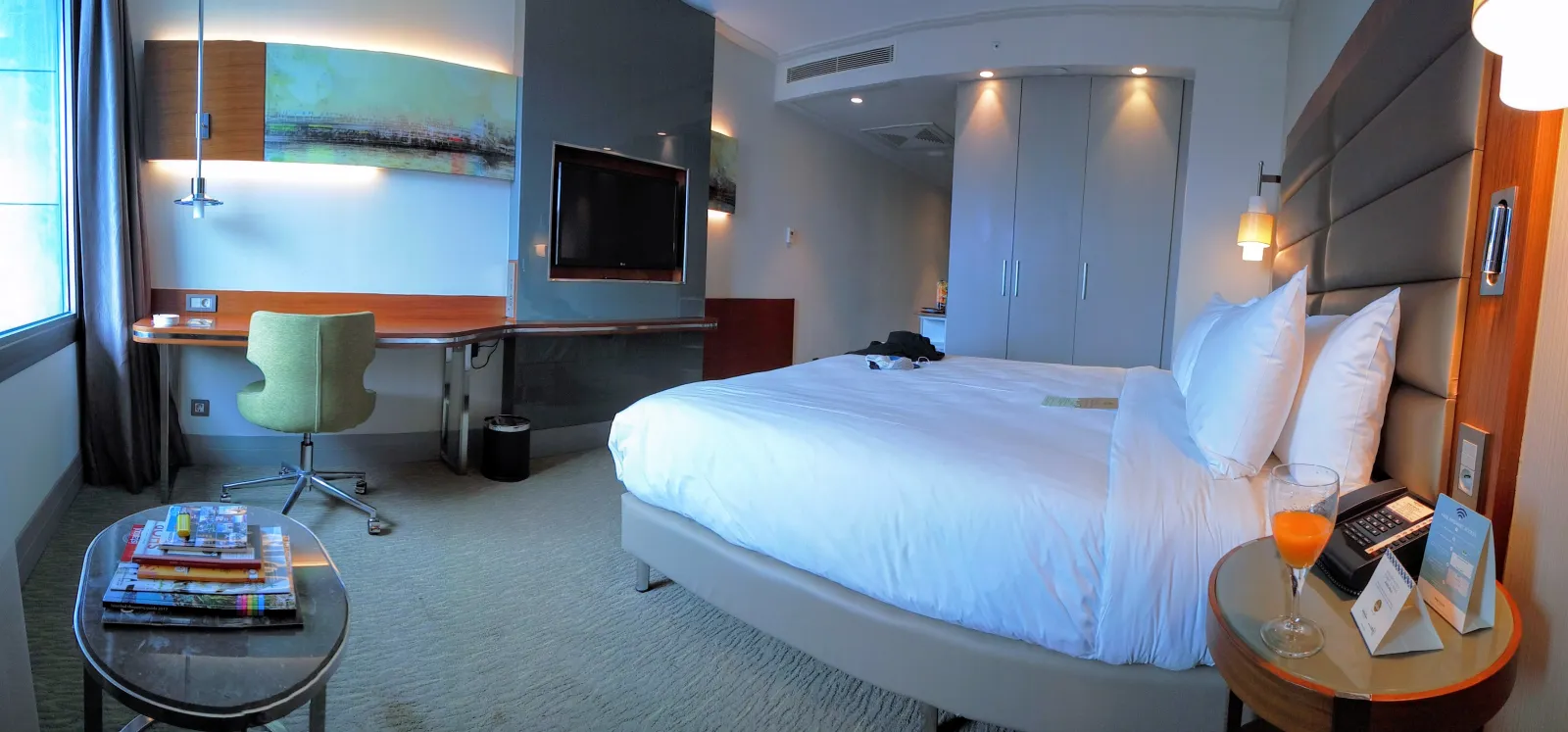
A modern hotel room with the television mounted on the wall facing the bed.
Photo: Amin · CC BY-SA 4.0

The challenges

What a property has to solve

  • Rooms turn over every day

    Television must be on for the guest from check-in and off after check-out, with no manual work at the desk and nothing left behind for the next guest.

  • Many TV models, one experience

    Properties mix smart TVs, set-top boxes and older screens; the channels and the hotel's information have to look the same on all of them.

  • Reliable when the uplink is not

    Guests expect the TV to work during a slow or failed internet connection, and the property's licensed channels must stay inside the property.

How Xtream UI Pro helps

How the platform fits

  • A room is a line

    Check-in creates or renews the room's line with the stay as its expiry; check-out disables it. The PMS can do this through the Reseller API, or the desk from the panel.

  • The channel package per room category

    Bouquets hold the property's licensed channels and its own information videos; packages per room category decide what each room gets.

  • Serving the property from inside

    A node per building serves the rooms on the property's network; the licence key activates on site, so television does not depend on the uplink.

Platform capabilities

What this industry uses

The capabilities below are the ones this deployment relies on. Each is in the product today; nothing here is planned or on request.

  • Live streaming

    Live channels from your own sources, with EPG, catch-up and timeshift where the source allows, delivered as HLS or MPEG-TS to the apps and boxes your viewers use.

    Origin hub with one upstream per channel · RTMP in and out · ffmpeg transcoding

  • Video on demand

    Movies, series with seasons and episodes, and radio, organised in categories and bouquets, with TMDB metadata and an ingest job that downloads and encodes your sources.

    Signed, time-limited playback links · per-node VOD cache

  • Subscriber management

    A line is one viewer's access: package, bouquets, expiry, connection limit and output formats, with activation codes, trials and renewals following the same rules everywhere.

    Xtream Codes API, M3U/XMLTV, MAG and Enigma2 portals, web player

  • Distributed streaming nodes

    Enrol edge servers from the panel; viewers are routed to a node by load and by country, and the origin serves everybody while no node exists.

    Installed over SSH from the panel · GeoIP routing · heartbeats and traffic stats

  • Partner management

    Delegated accounts with credits, permissions and their own dashboard, up to five levels deep, for the distributors, operators and resellers you work with.

    Groups and permissions · credit ledger · sub-partners

  • Security & access control

    Two-factor sign-in, sealed secrets at rest, signed playback links bound to the viewer, IP and country rules, connection limits and brute-force protection.

    TOTP · AES-sealed keys · HMAC-signed URLs · GeoIP and ISP rules

In the panel

The pages this deployment lives in

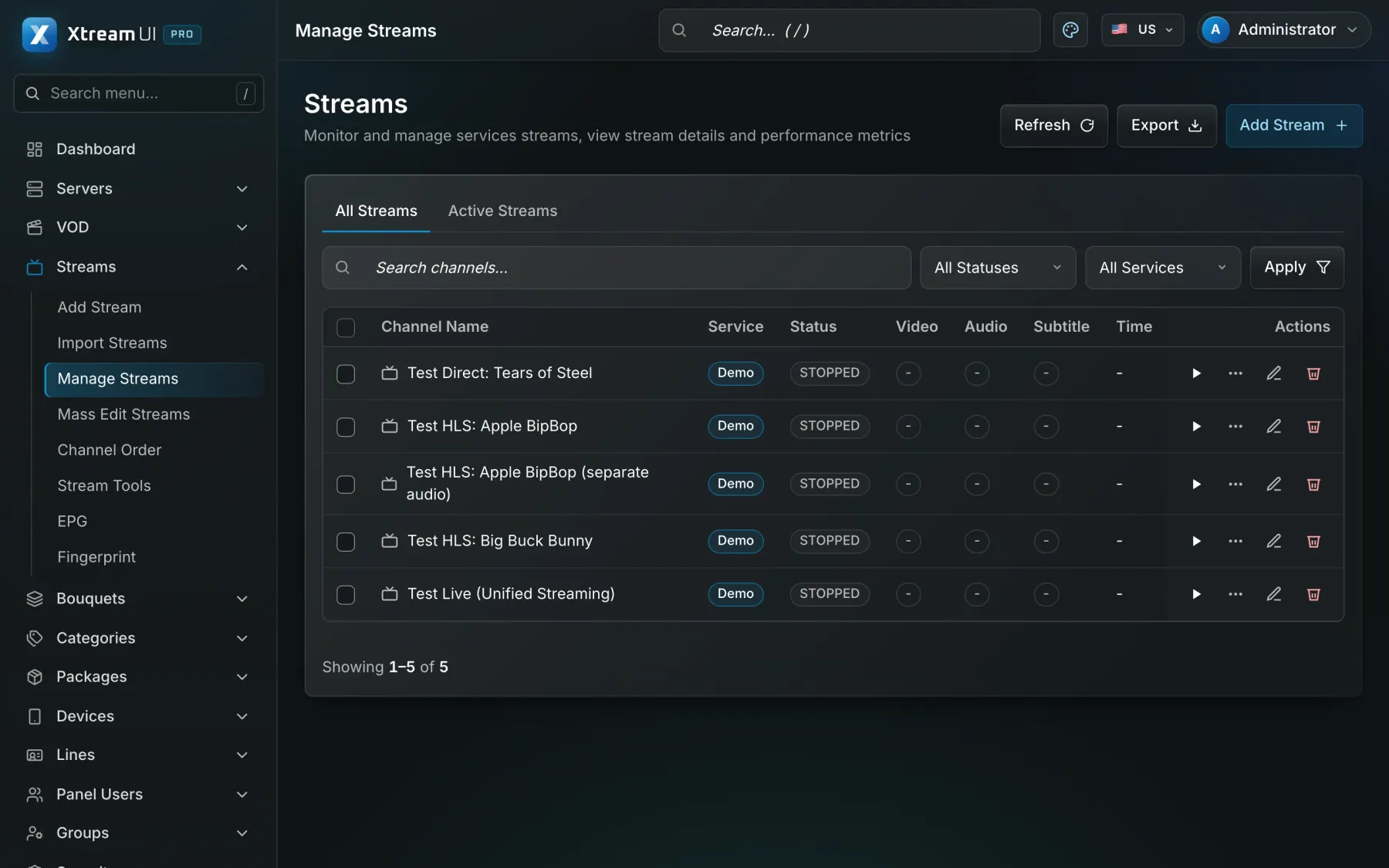
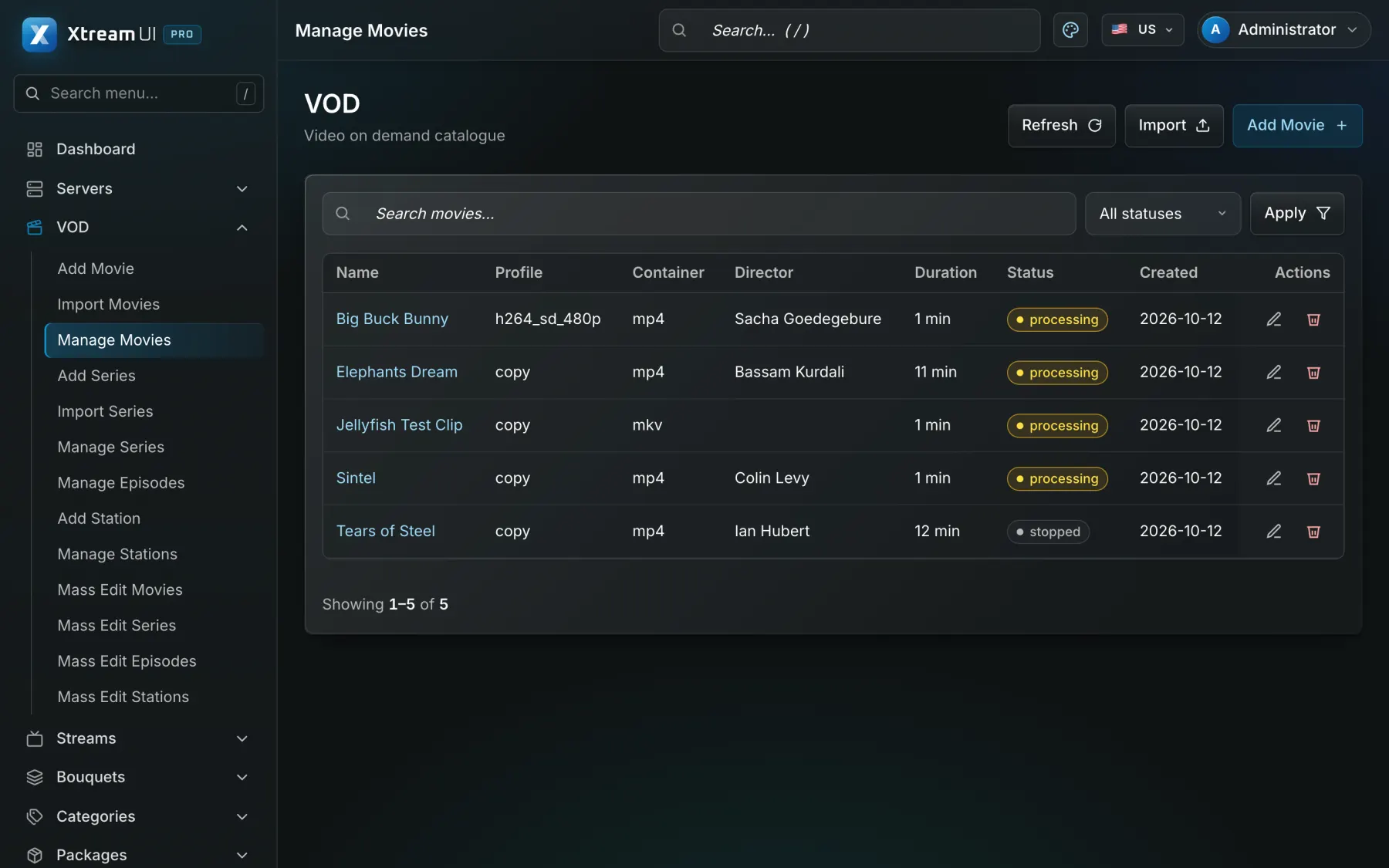
Screenshots of the dashboard of a fresh installation with the sample catalogue. Nothing is mocked up.

The Streams page of the dashboard: the live channels with their status, category, source and output formats.
Live streaming · Origin hub with one upstream per channel · RTMP in and out · ffmpeg transcoding
The Movies page of the dashboard: the films of the catalogue with their category, year and status.
Video on demand · Signed, time-limited playback links · per-node VOD cache

Infrastructure architecture

Example deployment: a 200-room property

A central server in the technical room, a streaming node per wing, the licensed channels as sources, Android TV or set-top boxes in the rooms, and the PMS driving check-in and check-out.

Pick a part of the diagram to see what it does.

In a hotel deployment the sources are the property's licensed channel feeds and its information videos; the panel holds the room lines and the channel packages; a node per building serves its rooms; the PMS connects through the API; the guest-service application is scoped on the Enterprise plan.

  1. Install on the property network

    The management server and the origin go on one host; the licensed channel feeds and the hotel's videos are added as sources.

  2. Model the rooms

    One package per room category, one line per room, with the room number as the line's name and the stay as its expiry.

  3. Connect the PMS

    Check-in and check-out call the Reseller API to enable, renew and disable the room's line; the desk keeps the panel for exceptions.

  4. Add buildings and services

    Enrol a node per wing; on the Enterprise plan the guest-service application (call staff, housekeeping, check-out, room service) is built with the property.

Configuration mapping

Your concepts, the platform's objects

The platform has no industry-specific objects: a bouquet, a line, a package or a partner account is used as the concept your industry needs. These are conceptual mappings, not native features of that industry.

Step-by-step setup guide

Prerequisites, the property network, channel packages, room lines, PMS integration, nodes per building and troubleshooting, step by step.

Read the setup guide
In your industryOn the platform
Hotel operator or authorised partnerPartner account (reseller): a delegated dashboard with credits, permissions and its own lines
Channel packageBouquet: a named set of channels, films or series that a package grants
Room or deviceLine: one access with its package, bouquets, expiry, connection limit and outputs
Hotel information videosVOD catalogue: movies and series with seasons and episodes, categories and metadata
Licensed television channelsLive channel: a stream with its sources, EPG and output formats
Length of stayExpiry date of the line, renewed by a package, a credit or the API
One node per building or wingStreaming nodes: edge servers enrolled from the panel, one per site or building

Integration considerations

Property management systems are connected through the Reseller API (enable, renew and disable a room's line) and receive webhooks on changes; no PMS is integrated natively. The guest services on the remote (call the staff, housekeeping, express check-out, room service) are part of the Enterprise engagement, scoped and built with the property, not a feature of the standard plans.

Security considerations

Room lines are limited to one or a few connections and bound to the room's device address; signed playback links keep the channels inside the property. Staff accounts of the panel use two-factor sign-in and permission groups; the desk gets only what it needs.

Content rights and licensing

The property must hold distribution rights for every channel it offers in its rooms; the platform supplies no channels and no rights. Hotel-specific services are quoted per property on the Enterprise plan.

Content Rights & Acceptable Use

Programme

Hotel TV with guest services, on Enterprise

The in-room application with the property's guest services, the PMS integration and a dedicated team under an SLA are quoted per property on the Enterprise plan.

See the programme

Enterprise · hospitality

Enterprise

A dedicated team, an SLA and integration with your systems.

Custom

Priced for your deployment

Streams
Unlimited
Lines
Unlimited
Server nodes
Custom
Support
Dedicated
SLA
Included
Custom integration
Included
Migration assistance
Included

Help centre

Questions from this industry

The questions operators ask before a deployment. The help centre has the general ones.

Help centre
Does the platform include the hotel channels?

No. The property brings the channel feeds it holds rights to; the platform ingests, manages and delivers them to the rooms.

Which televisions work in the rooms?

Android TV and set-top boxes with an Xtream Codes or M3U player, MAG and Enigma2 boxes, and any screen with a browser through the web player.

Are the guest services (call staff, housekeeping, check-out) in the standard plans?

No. They are built with the property as part of the Enterprise plan, together with the PMS integration. The standard plans deliver the channels and the information videos to the rooms.