At the end a line of yours plays one channel in an app, a set-top box or the web player. You need an installed panel (the install guide covers that), an admin account and one source: an HLS or MPEG-TS address, or an encoder that can push RTMP.
Add the channel
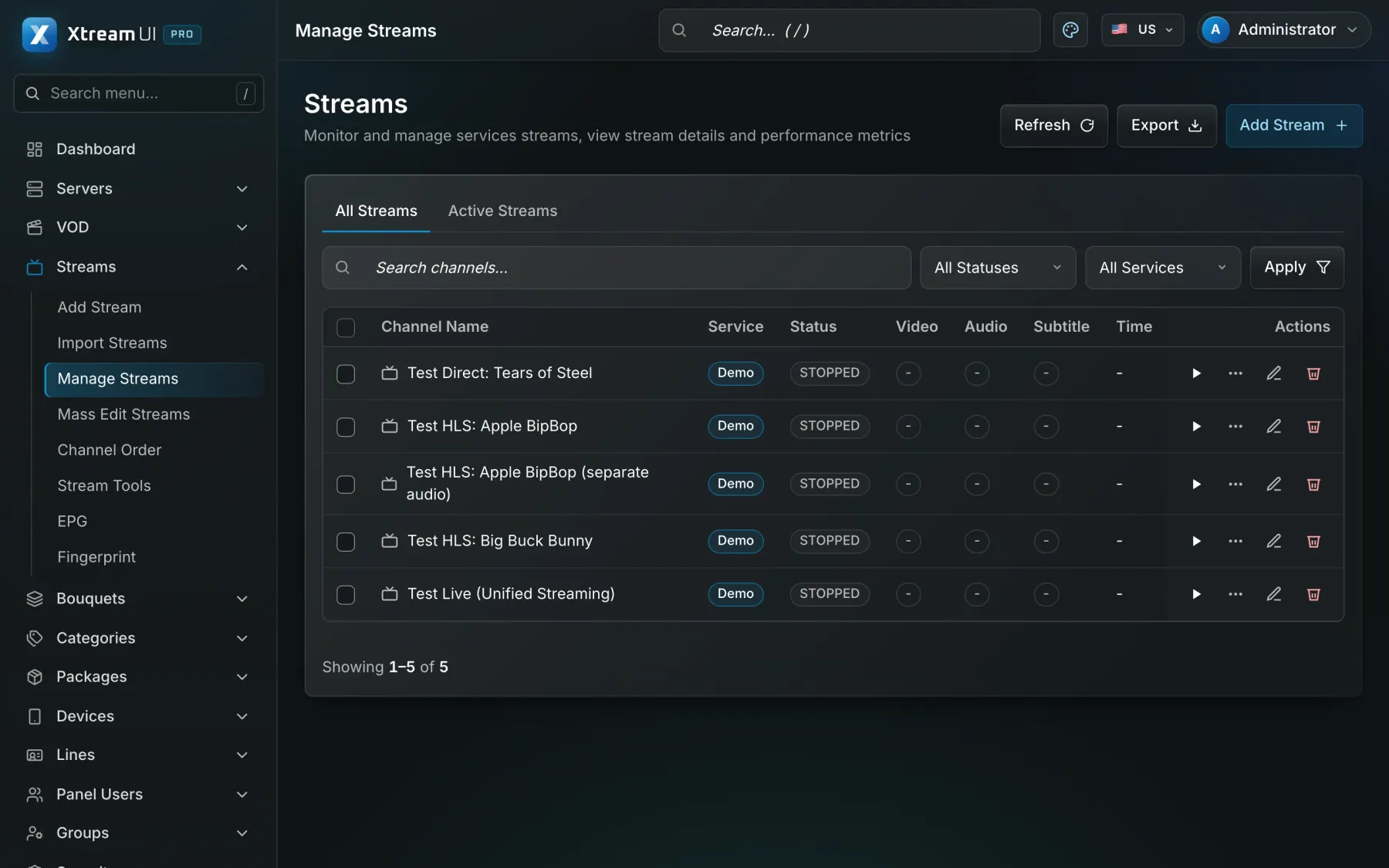
Open Streams and add a live stream: a name, a category, and the source — the address of an HLS or MPEG-TS feed, or RTMP push for an encoder of your own. Choose the output formats the channel may be watched in (HLS, MPEG-TS) and save. The source is probed when the worker's stream probe is on, and the list shows the channel's state.
See that it plays
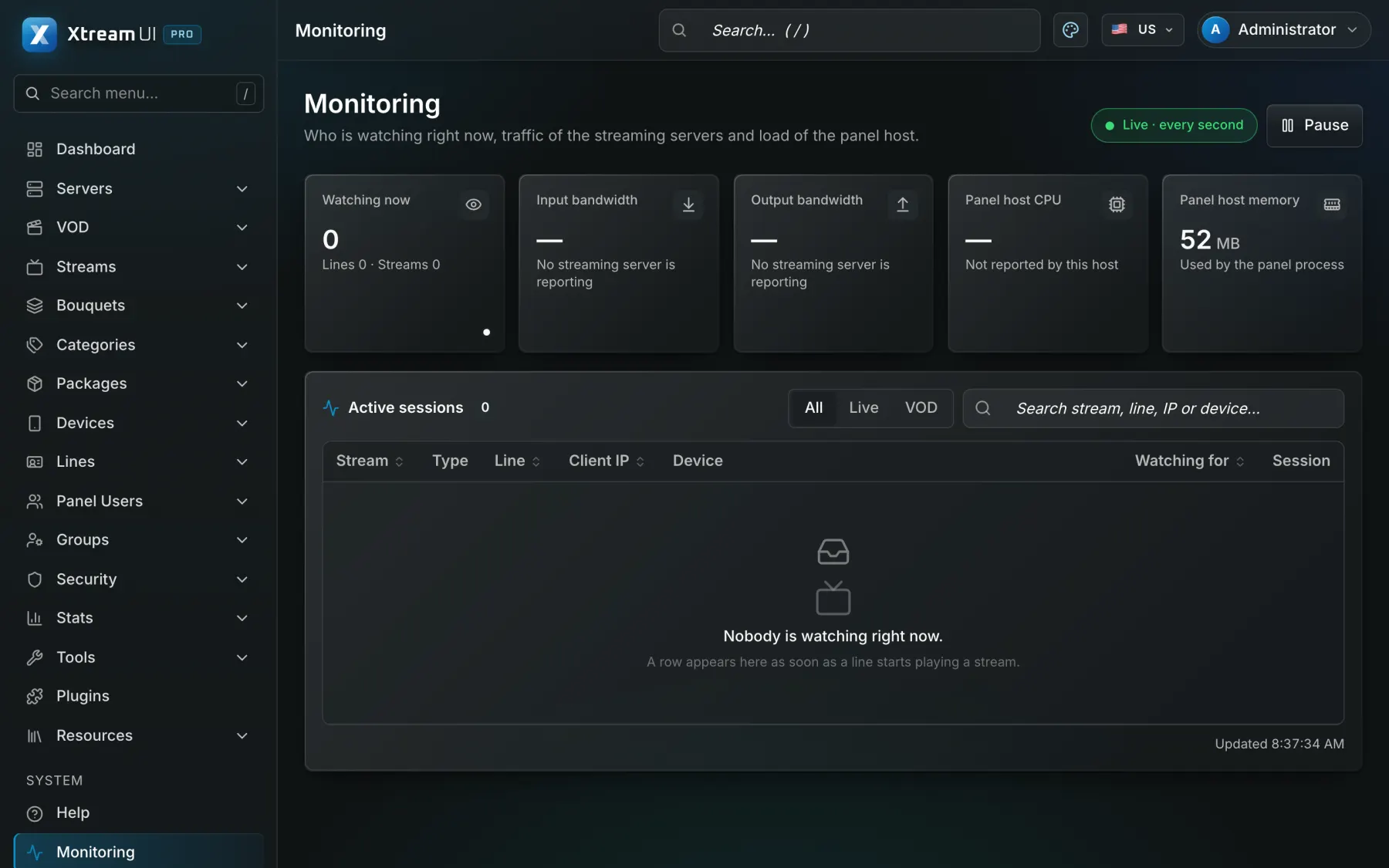
Monitoring shows the running channels and their viewers; Tools → Playback check plays a chosen channel with a chosen line end to end and reports what failed when it does not. Fix the source before going on: a channel that does not play on the origin will not play anywhere.
Group it in a bouquet
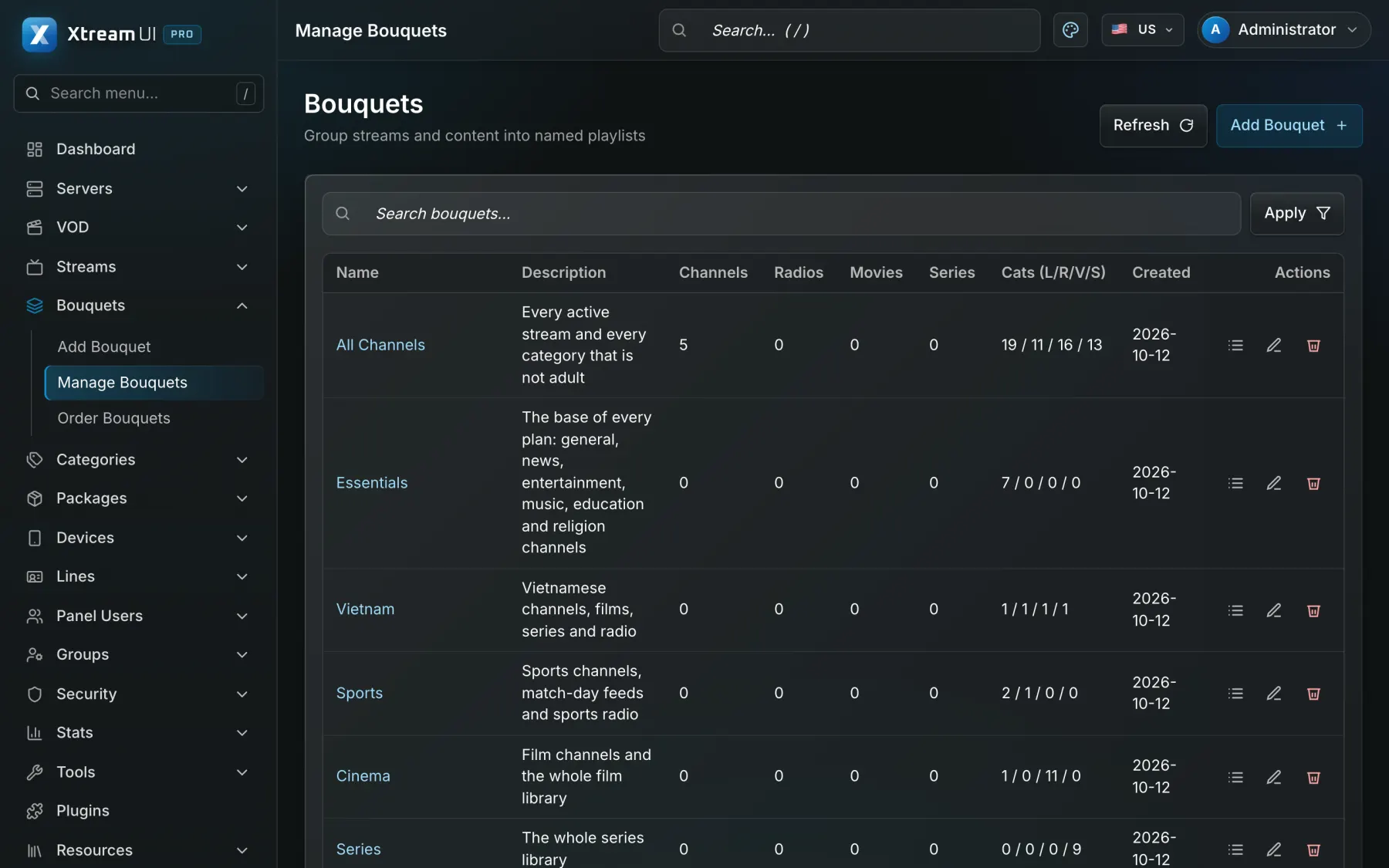
Open Bouquets and create one: a name and the content it holds, picked from the channels, films and series with the picker. A bouquet is a list of content, nothing more; what a viewer gets is decided by the package.
Create the package
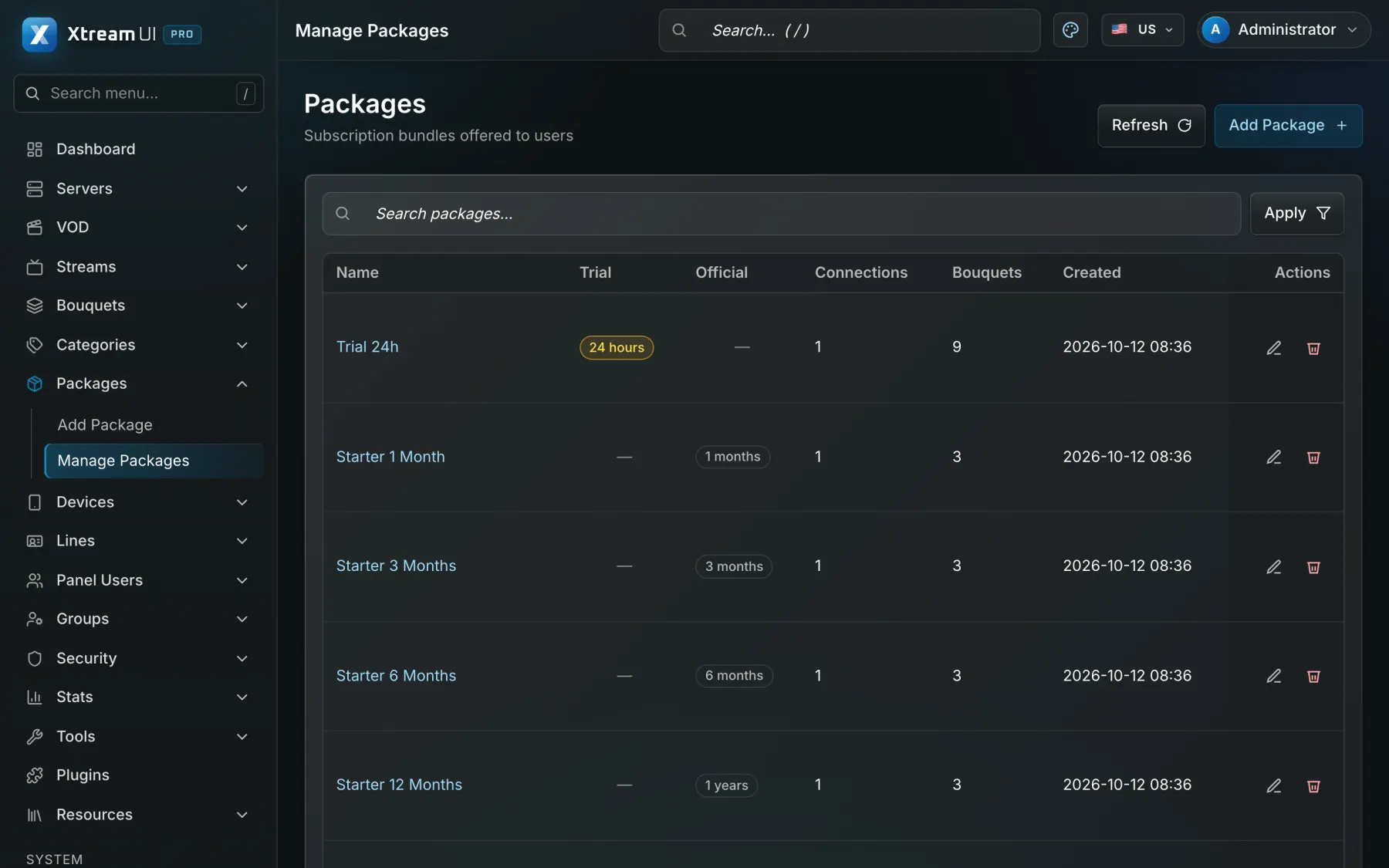
Open Packages and create one: the bouquets it grants, its duration (the access period of a line sold with it), the number of connections, the output formats, the price in credits and the groups that may sell it. The package is the product; a trial price makes it available as a trial too.
Create a line
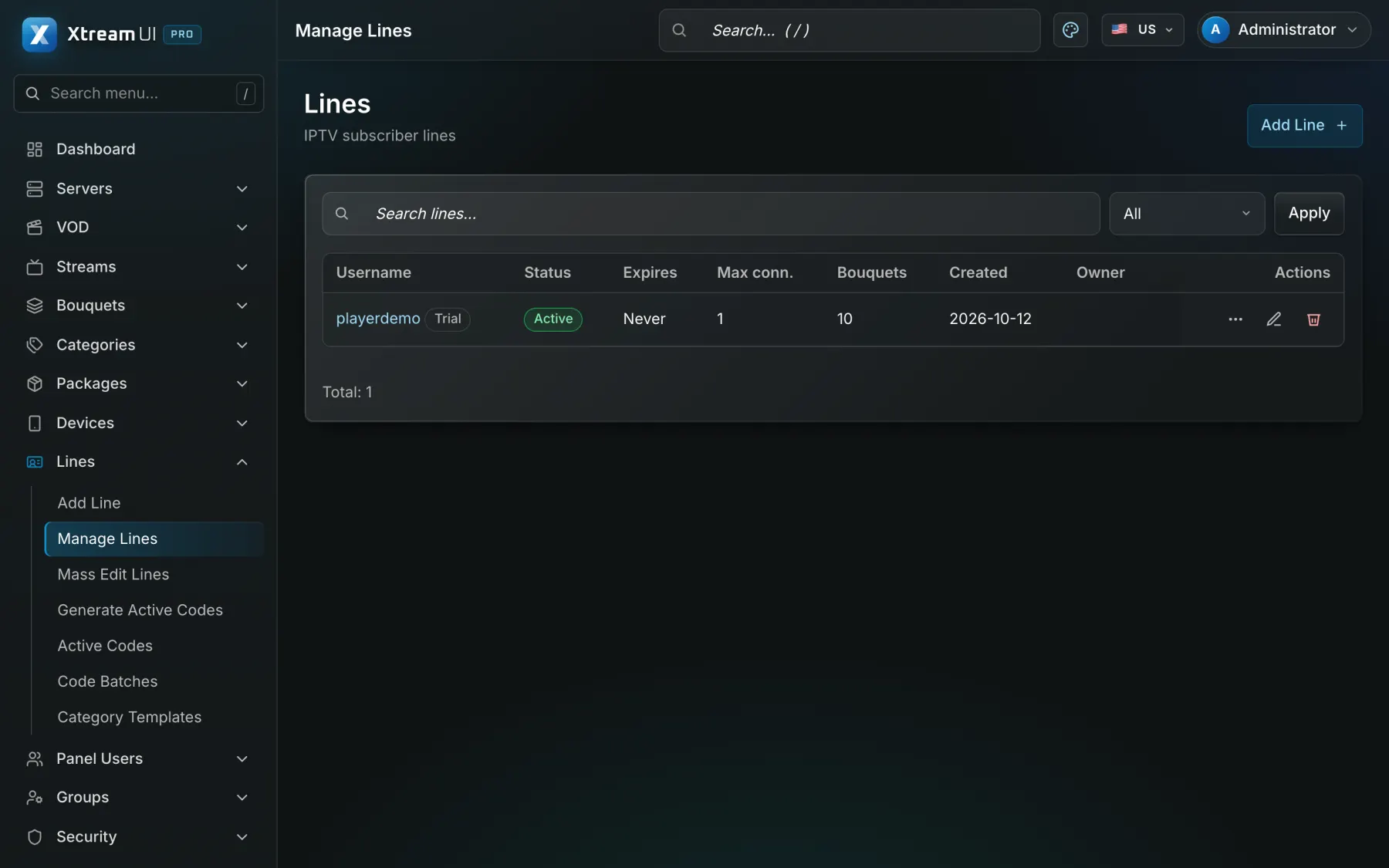
Open Lines and add one: pick the package; type a user name and password or leave them empty to have them generated. The expiry is set from the package's duration and the bouquets are copied into the line. A line is one access — one viewer, with the connection limit of its package.
Open it in a player
On the line's row choose Generate play link: an M3U playlist for apps that take one, the server address plus user name and password for any app that speaks the Xtream Codes API, or the web player in a browser. MAG boxes use the portal address, Enigma2 boxes a playlist. The channel plays; the Monitoring page now shows your viewer.
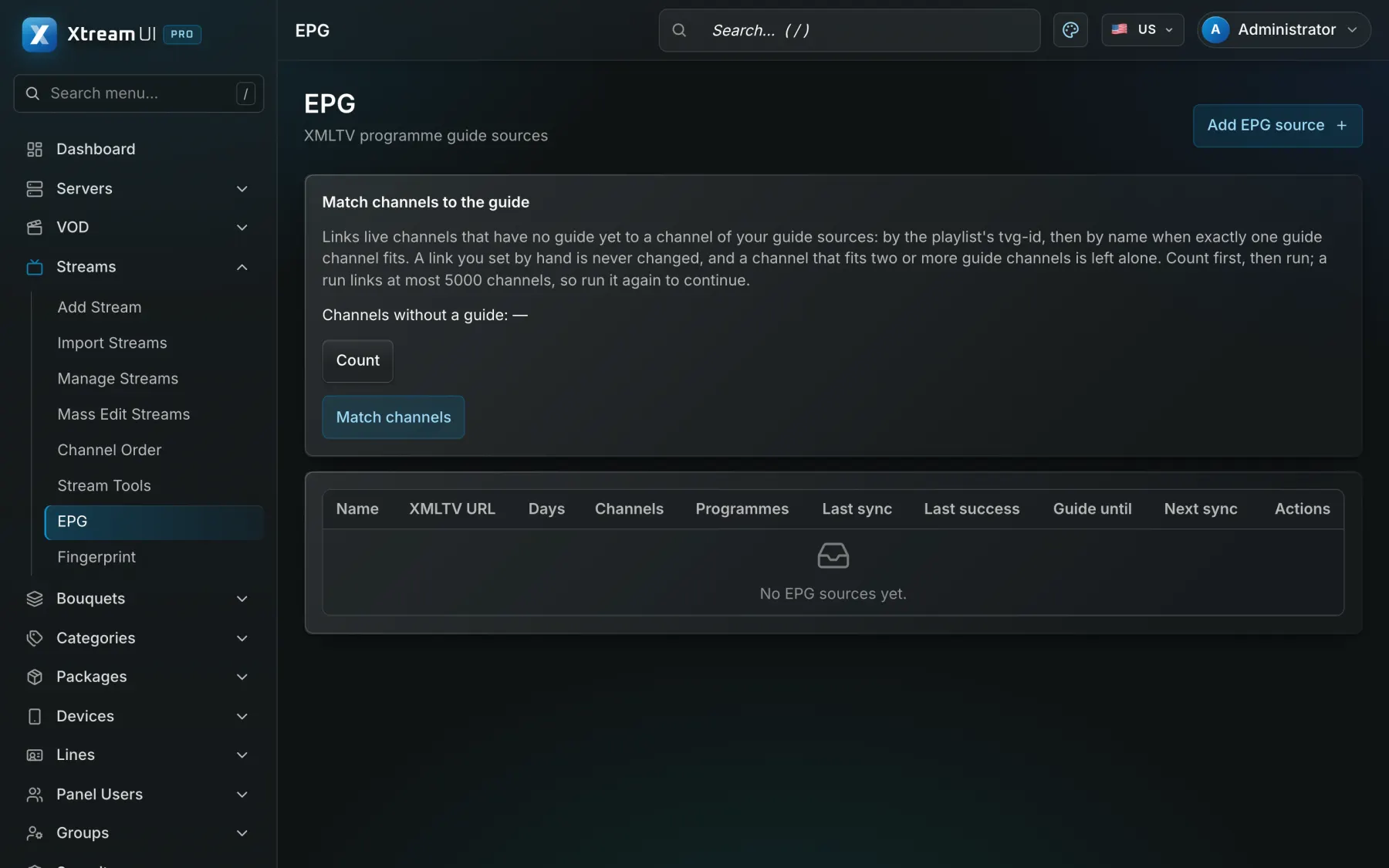
Add the programme guide (optional)
Open EPG and add an XMLTV source; the worker fetches it on its schedule and the channel is matched to its programme by id. Apps and boxes then show what is on; the catch-up option of a channel relies on it.