Home
XtreamUIPro

Solutions

Solutions by industry

One streaming infrastructure, configured for the people it serves. Pick your industry to see what the platform does there, how a deployment looks and how to set it up — then the two programmes beside the price list: a free Professional licence for education and the hotel TV deployment on Enterprise.

Solutions

Where the platform is used

Every industry has its page and its setup guide: what it has to solve, how the platform is configured for it, and an example deployment.

Launch industries

Expansion

Enterprise

Industry setup explorer

See how your industry maps onto the platform

Choose an industry: the recommended deployment, how its concepts map onto bouquets, lines and partners, the configuration to look at, the integrations and the security points, and the setup guide.

Recommended deployment

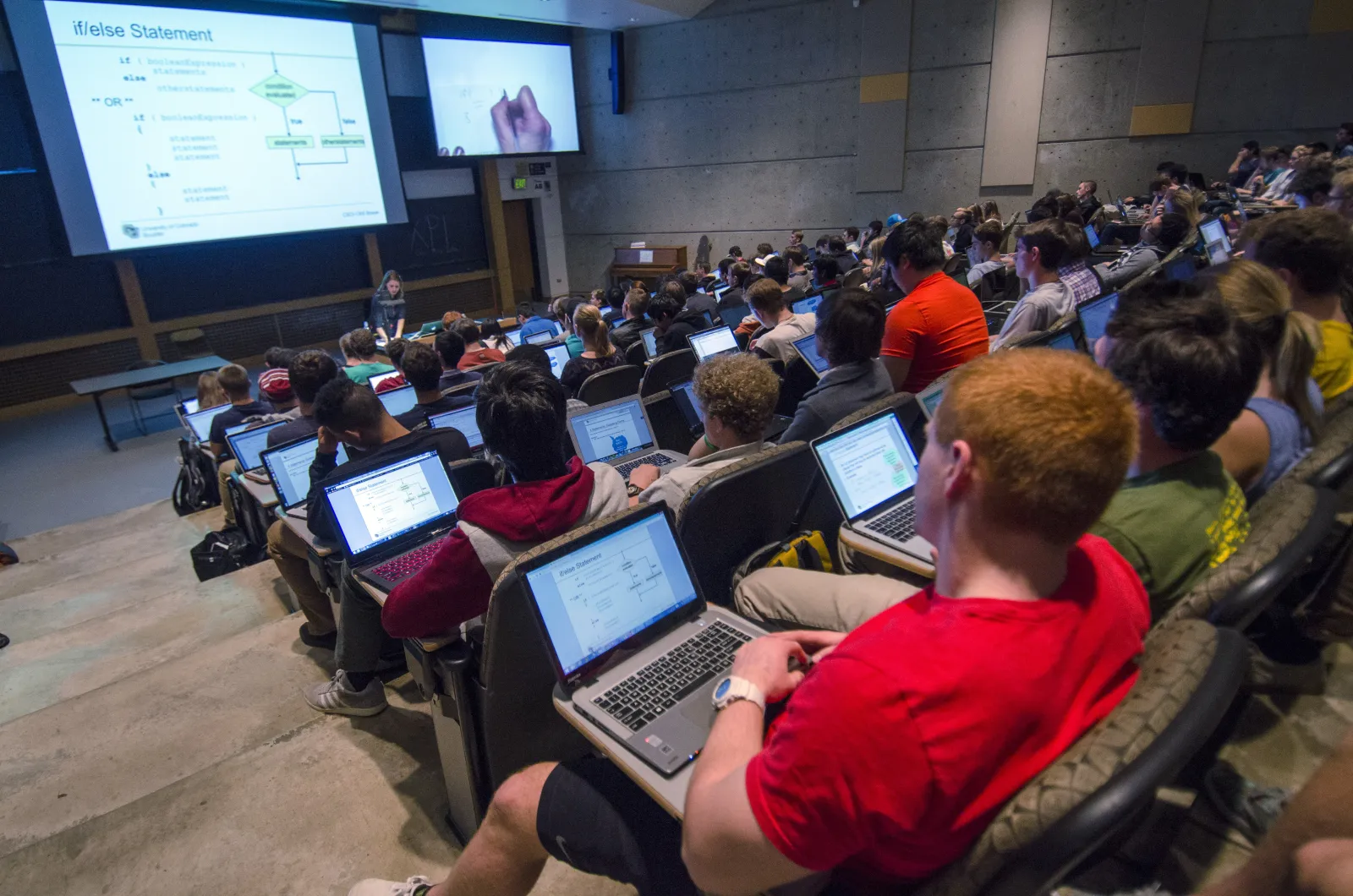
Management server on the campus network, one streaming node per building, lecture captures and uploads as sources, the student system connected through the API.

  • Video on demand
  • Live streaming
  • Subscriber management
  • Partner management
  • API & integrations
  • Security & access control

Feature mapping

Training centre or distribution partner
Partner account (reseller): a delegated dashboard with credits, permissions and its own lines
Course collection
Bouquet: a named set of channels, films or series that a package grants
Recorded lessons
VOD catalogue: movies and series with seasons and episodes, categories and metadata
Live class
Live channel: a stream with its sources, EPG and output formats
Student access
Line: one access with its package, bouquets, expiry, connection limit and outputs
Course access period
Expiry date of the line, renewed by a package, a credit or the API
Concurrent session limit
Max connections of the line: how many devices may watch at once
LMS or commerce integration
Reseller API and webhooks: the operations of the panel from your own system

Configuration to look at

Series and episodes for courses; bouquets per course collection; packages per programme with the access period as duration; lines with a concurrent-session limit; activation codes for enrolment day.

Integrations

Reseller API from the student information system or LMS; webhooks for created, expiring and expired access; connectors for a commerce platform when courses are sold.

Security considerations

Connection limits and address binding on lines, signed playback links, staff accounts with two-factor and permission groups, personal data kept in the student system.

Education programme

Professional, free for education

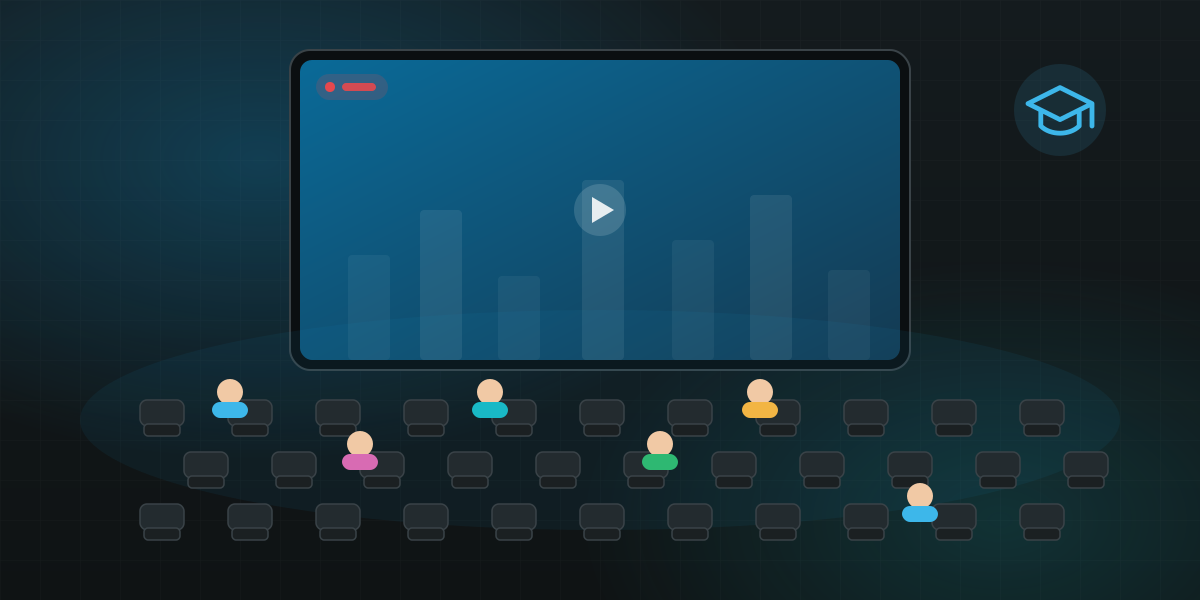
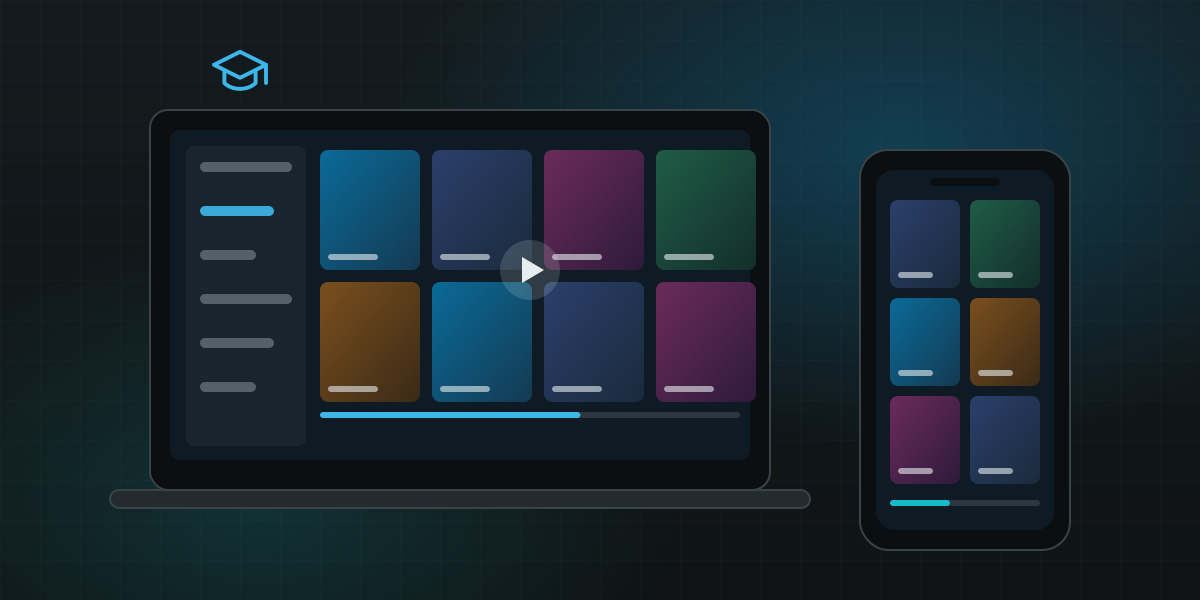
Schools, colleges, universities and research institutes run the full Professional plan at no cost: a licence key valid for two years, issued to the institution, for campus TV, lecture libraries and teaching labs.

  • Campus TV

    Live channels, the campus channel and announcements on the screens of halls, libraries and common rooms, one bouquet per building.

Who qualifies

  • An educational institution on its country's academic domain: .edu, .edu.vn in Vietnam, or the academic suffix of your country (.ac.uk, .edu.au, .ac.jp, …); the request comes from a mailbox on that domain.
  • Use inside the institution only — students, staff, campus and classrooms. Lines are not sold to the public.
  • The capacity of the Professional plan applies — the streams, lines and server nodes listed on the card — on your own servers.
  • The key activates the panel on site: a campus network without internet access runs it, with the channels and the library served inside the local network.
  • Standard support, the same channels as every Professional customer, plus the updates of the two years.
  • One key per institution, valid two years. Write to us again before it ends and we renew it while the institution still qualifies.

Education · free

Professional

For a growing service with its own resellers.

$0 free for education

instead of $49 / month

2
years per key
.edu
domain of the institution
Streams
500
Lines
2,000
Server nodes
5
Support
Standard

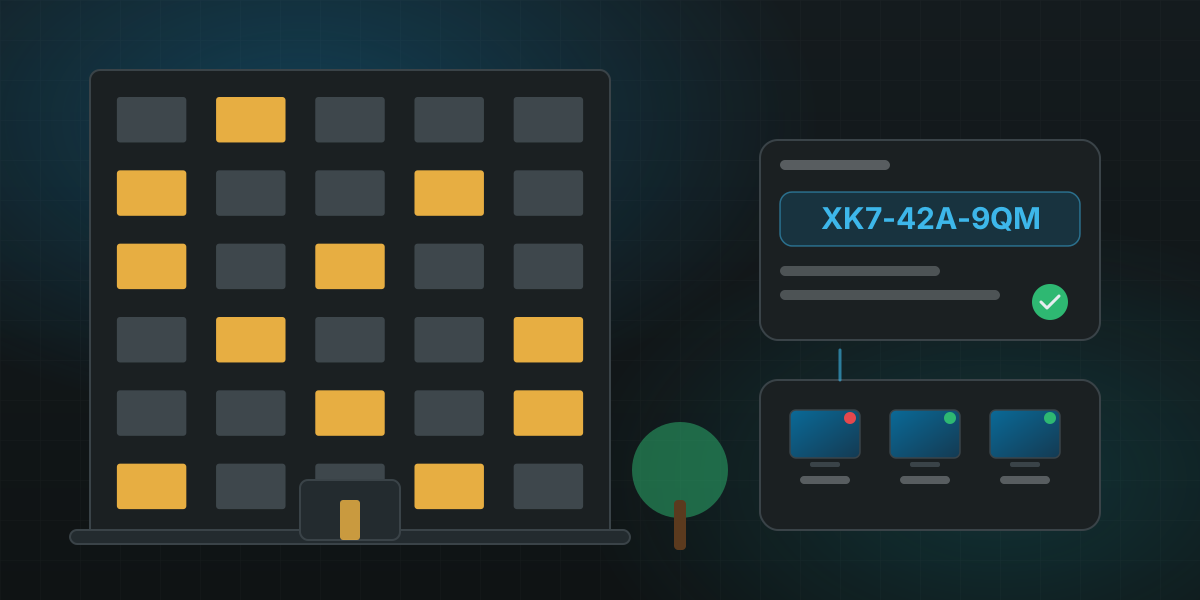
The key is issued by hand after we check the institution; nothing is charged, no card is asked for.

What campuses build with it

Campus TV

Live channels, the campus channel and announcements on the screens of halls, libraries and common rooms, one bouquet per building.

Lecture library

Recorded lectures and course videos as a VOD catalogue with series, seasons and episodes, watched on any device a student already has.

Teaching labs

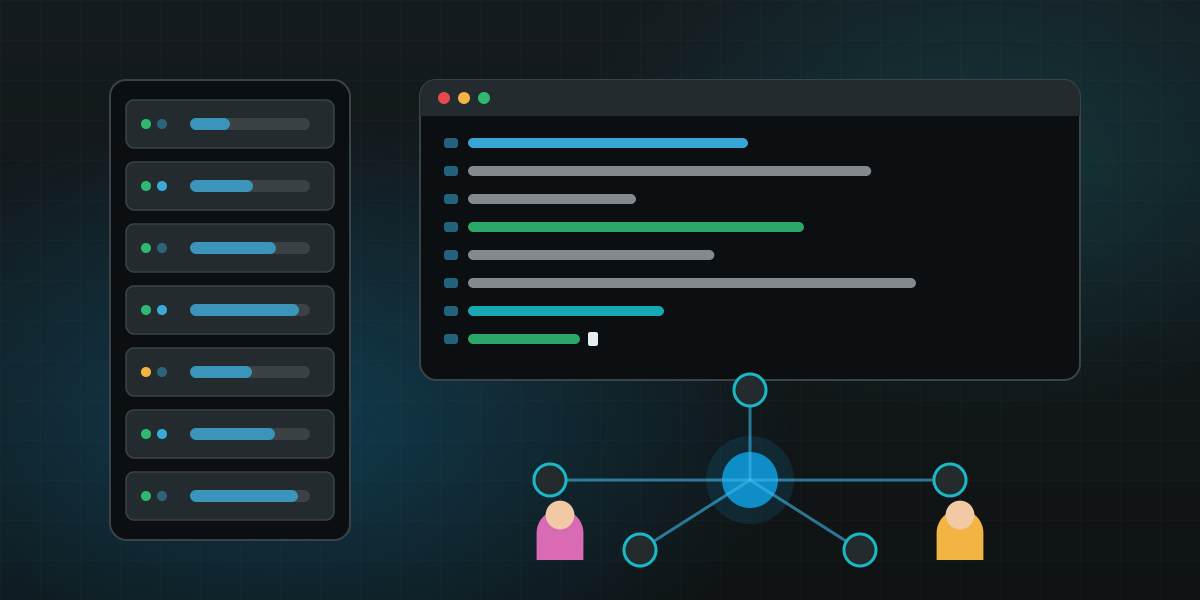
A real IPTV / OTT platform for media, networking and IT courses: students run the panel, the nodes and the APIs hands-on.

Halls of residence

One line per room or per student, activation codes for move-in day, expiry at the end of term, and no sharing between rooms.

How to apply

  1. Write from your institution

    Send the request from a mailbox on the institution's domain, with the name of the institution and the campus it is for.

  2. Tell us what you run

    A few lines on the use: campus TV, a lecture library, a lab — and roughly how many screens or students.

  3. Receive the key

    After a short check you get a Professional key for two years, issued to the institution, by e-mail.

  4. Install and run

    Install the panel on your own server with the public installer, enter the key, and add your first channels and lines.

Hospitality

Hotel TV with guest services, on Enterprise

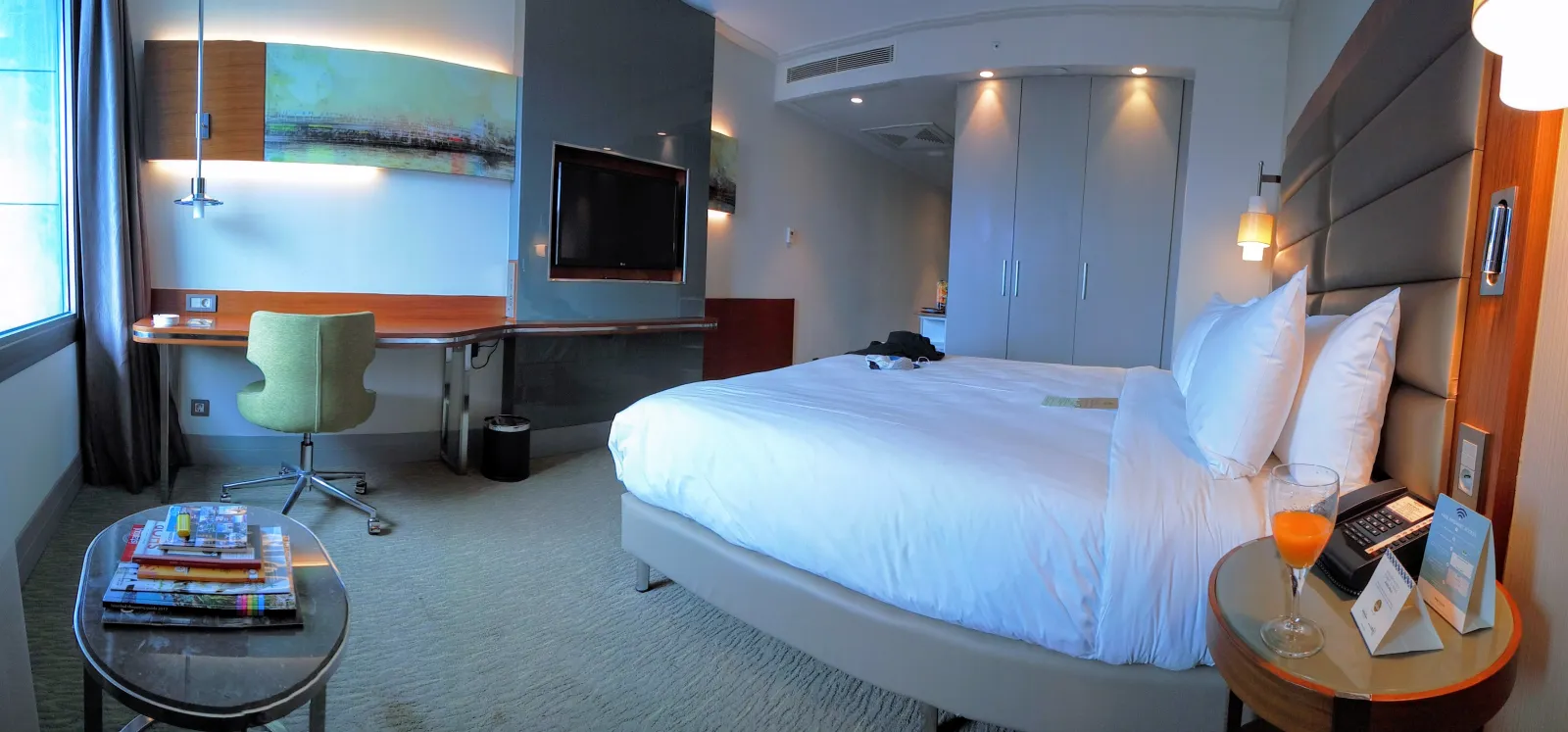
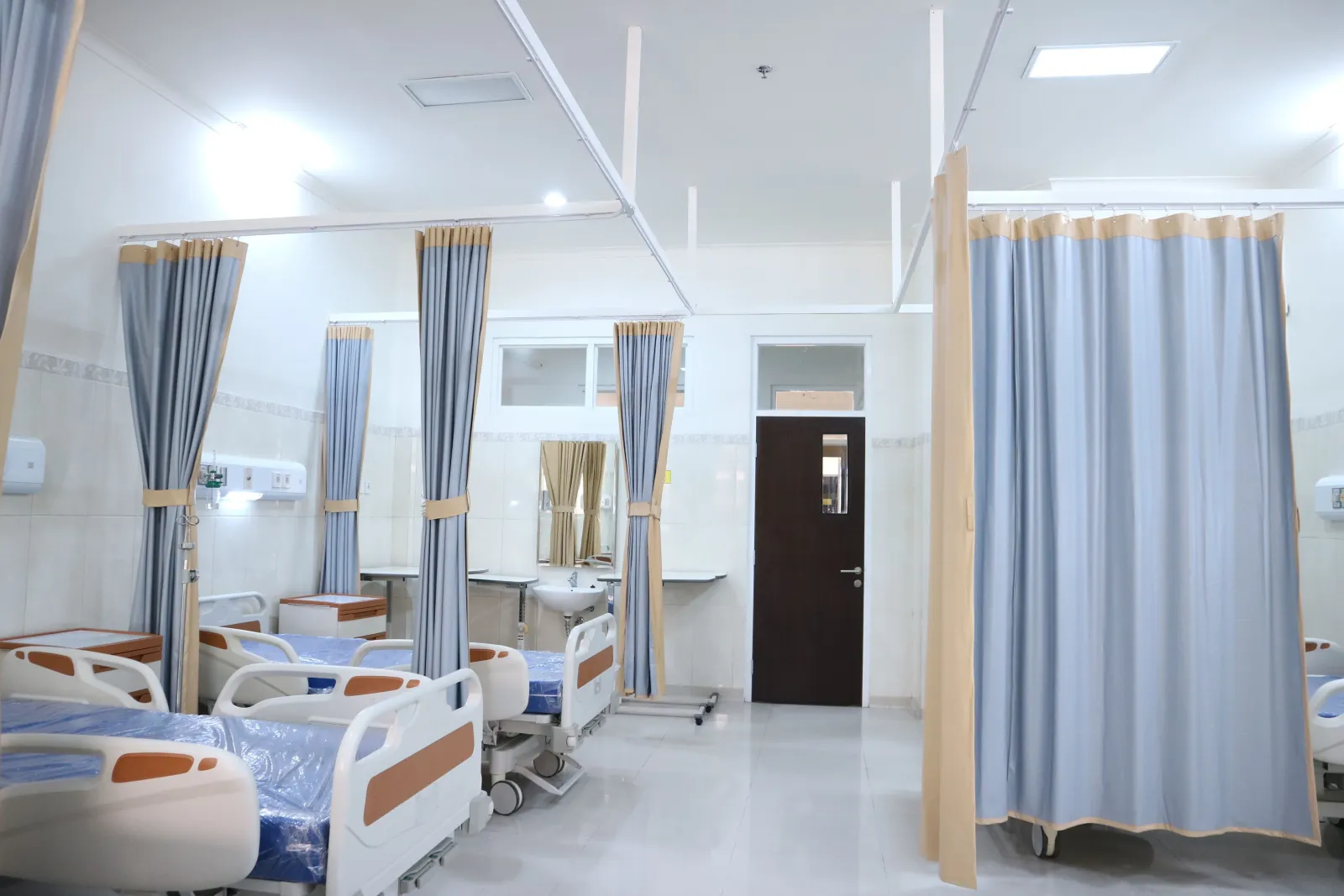
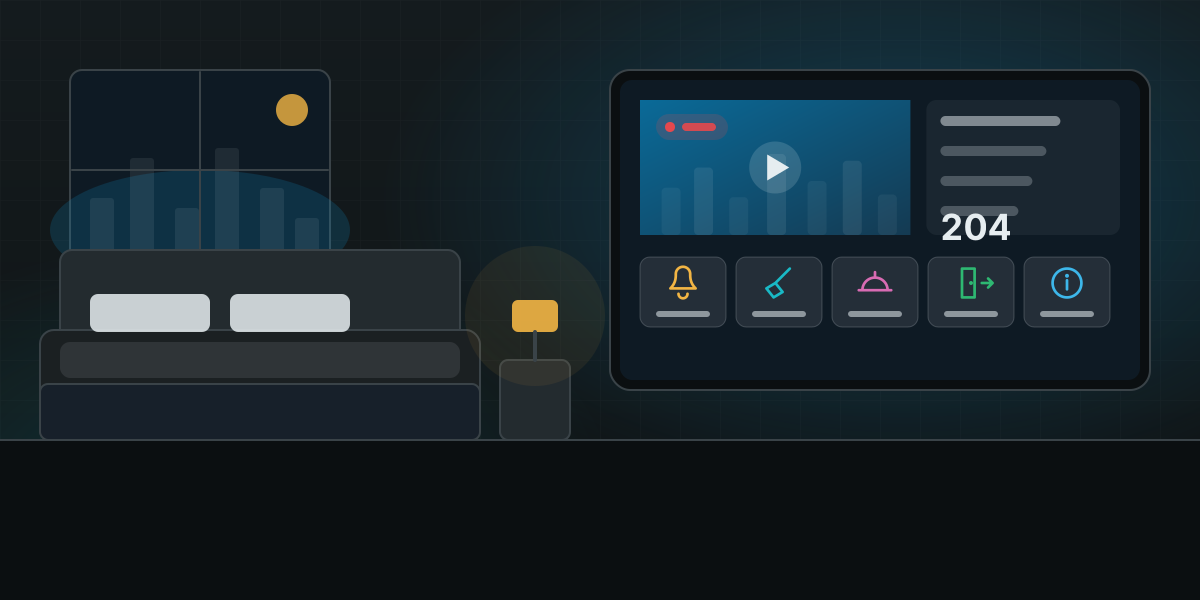
Live TV and a film library in every room, plus the services a guest expects from the remote: call the staff, ask for housekeeping, order from the menu, check out. Built with you on the Enterprise plan, branded for the property, managed from one panel.

  • Welcome and information

    A welcome screen with the guest's name and language, the hotel's facilities, opening hours, the local guide and the events of the day.

What the panel brings to the property

  • Rooms as lines — every room is a line with its own expiry and bouquet, so a check-in opens the TV and a check-out closes it
  • Channels and films — live channels, radio, movies and series from your own sources, with EPG and catch-up where the source allows
  • Any room TV — Android TV and set-top boxes, MAG and Enigma2 boxes, and the web player on the screens you already have
  • 27 languages — the panel and the player app speak the guest's language, right-to-left included
  • Your systems — the check-in, the folio and the requests go to the hotel's own PMS and helpdesk through the Enterprise integration
  • Buildings and sites — one node per building or property, all managed centrally, viewers served from the nearest one
  • Works without internet — the key activates the panel on the property's own network, so the rooms keep their TV and their services when the uplink is slow or down

Enterprise · hospitality

Enterprise

A dedicated team, an SLA and integration with your systems.

Custom

Priced for your deployment

Streams
Unlimited
Lines
Unlimited
Server nodes
Custom
Support
Dedicated
SLA
Included
Custom integration
Included
Migration assistance
Included

Enterprise is quoted per property: the TV app with your guest services, the integration with your systems and a dedicated team, under an SLA.

Guest services from the remote

The in-room TV app of the Enterprise plan carries the property's services beside the channels. Each one is scoped with you: what the guest sees, who receives it, and which system records it.

Call the staff

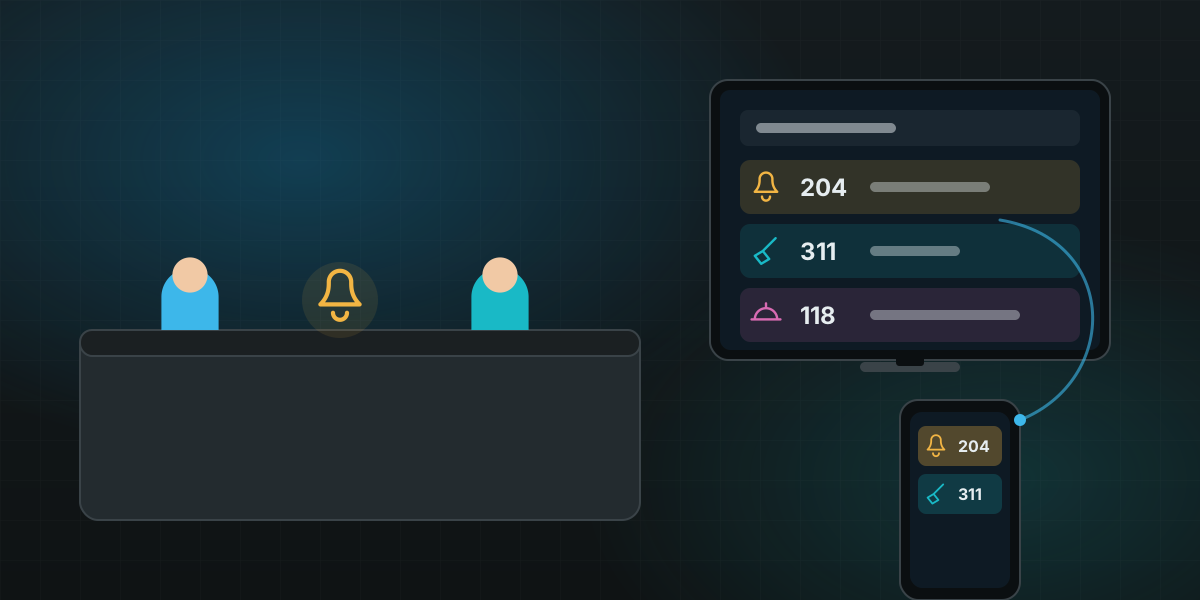
One button reaches the reception or the floor staff; the request carries the room number and lands on the desk or the staff's phones.

Housekeeping

Ask for the room to be made up, for towels or amenities, or set "do not disturb" from the screen; housekeeping sees the queue by floor.

Express check-out

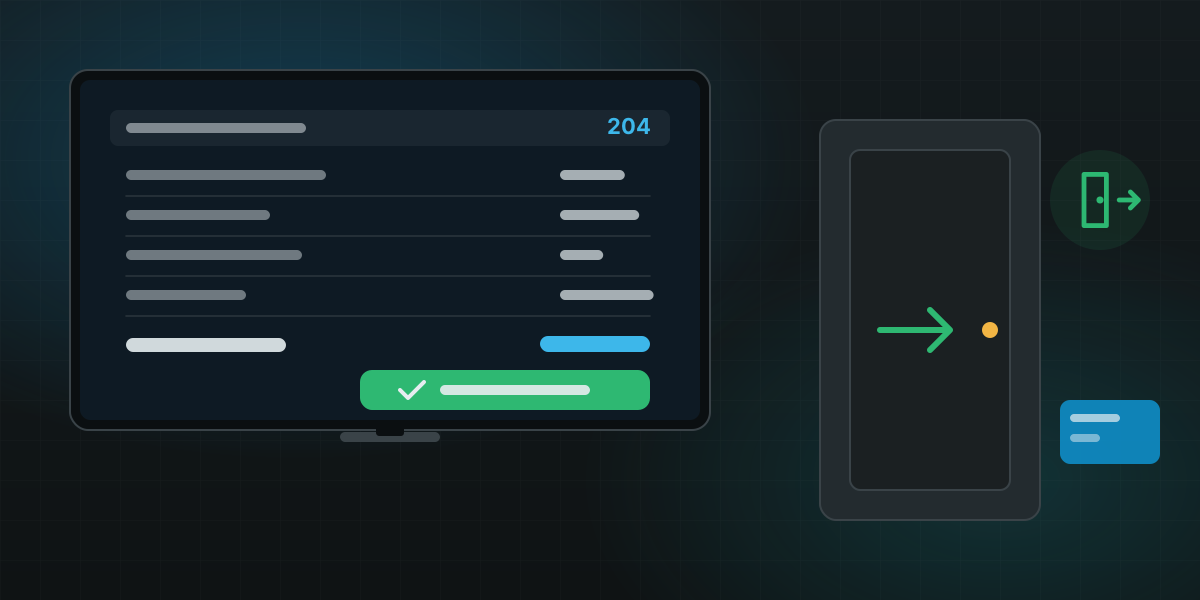
The guest reviews the bill on the TV and checks out from the room; the line closes and the folio goes to the front desk.

Room service

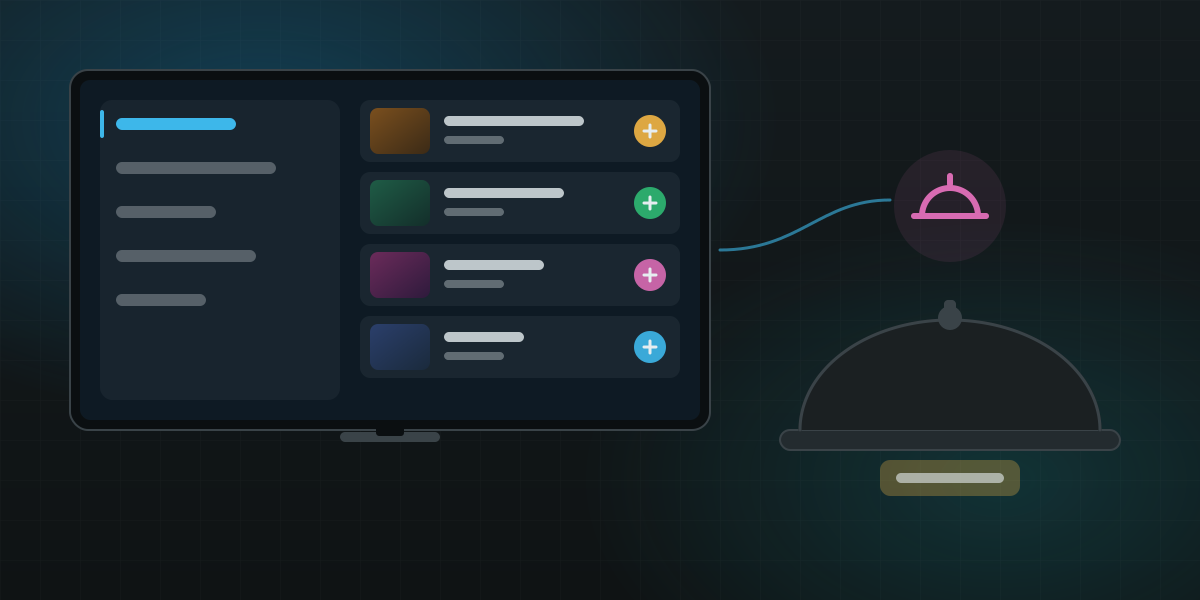
The menu of the restaurant and the minibar on screen, orders sent to the kitchen with the room number and charged to the folio.

Welcome and information

A welcome screen with the guest's name and language, the hotel's facilities, opening hours, the local guide and the events of the day.

Bill and messages

The running folio, messages from the reception and wake-up calls, all in the guest's language.

From first contact to the rooms

  1. Tell us about the property

    Rooms, buildings, the TVs or boxes in the rooms, the channels you hold rights to, and the systems the hotel runs (PMS, helpdesk).

  2. Scope the services

    Together we fix the list of guest services, the branding of the app and where each request goes — that is the Enterprise quote.

  3. Build and integrate

    Our team delivers the branded TV app, the panel on your servers or ours, and the integration with the hotel's systems.

  4. Roll out with an SLA

    Pilot on one floor, then every room; a dedicated team and an SLA cover the operation afterwards.

Tell us about your campus or property

Education keys and hotel deployments are handled by people, not by a form: one e-mail with the basics is enough to start.

Talk to us

Questions before you start, or help getting your first server online — reach us on the channel you prefer.