
Any source, standard outputs
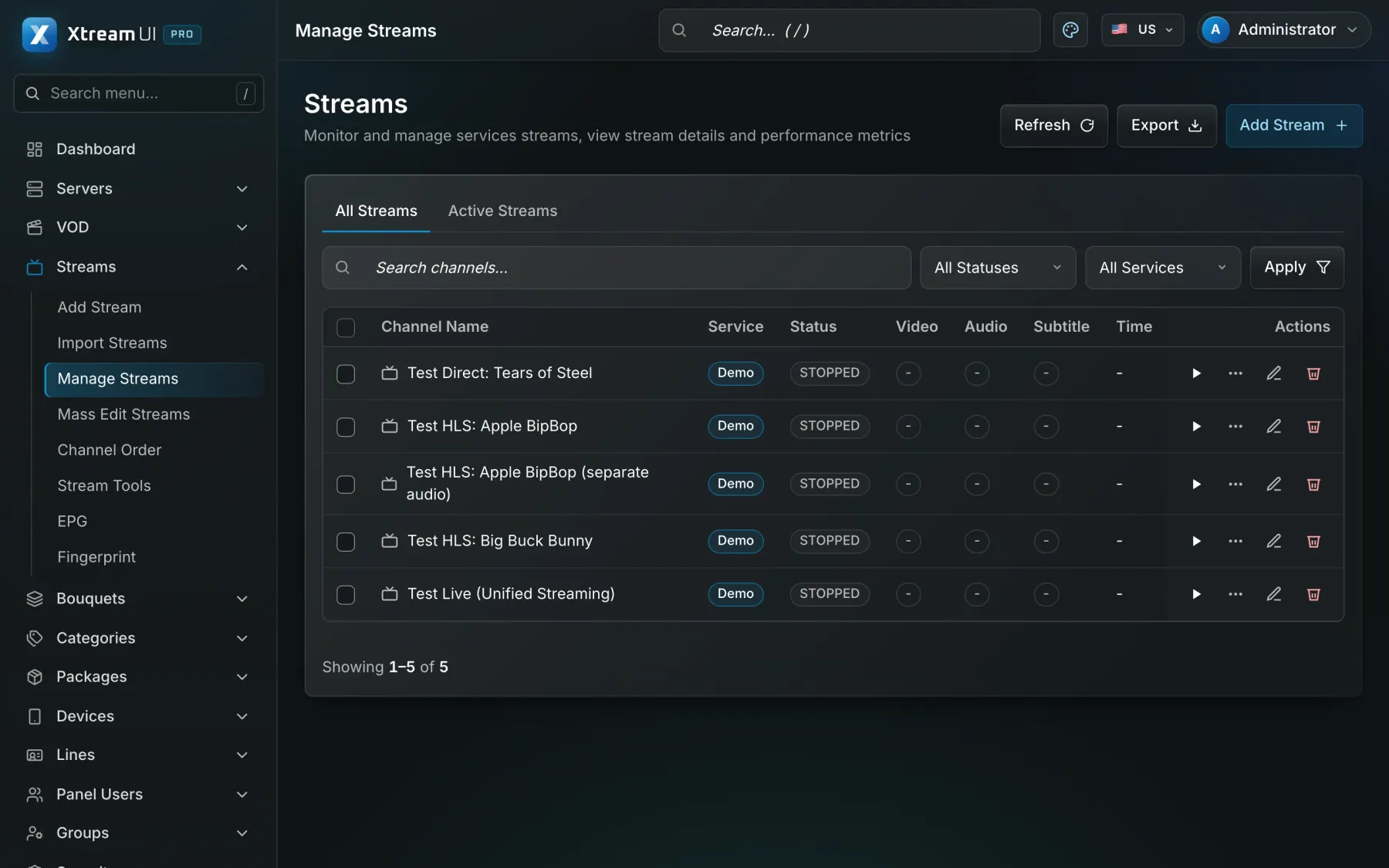
Pull URLs, RTMP pushes and files become channels; viewers receive HLS or MPEG-TS, and a channel can be pushed out again over RTMP.
Product
Add a channel from a pull URL or an RTMP push, give it a programme guide, put it in a bouquet, and the platform delivers it as HLS or MPEG-TS to the apps and boxes your viewers already use. The origin takes each channel once, nodes fan it out.
What you get
Pull URLs, RTMP pushes and files become channels; viewers receive HLS or MPEG-TS, and a channel can be pushed out again over RTMP.
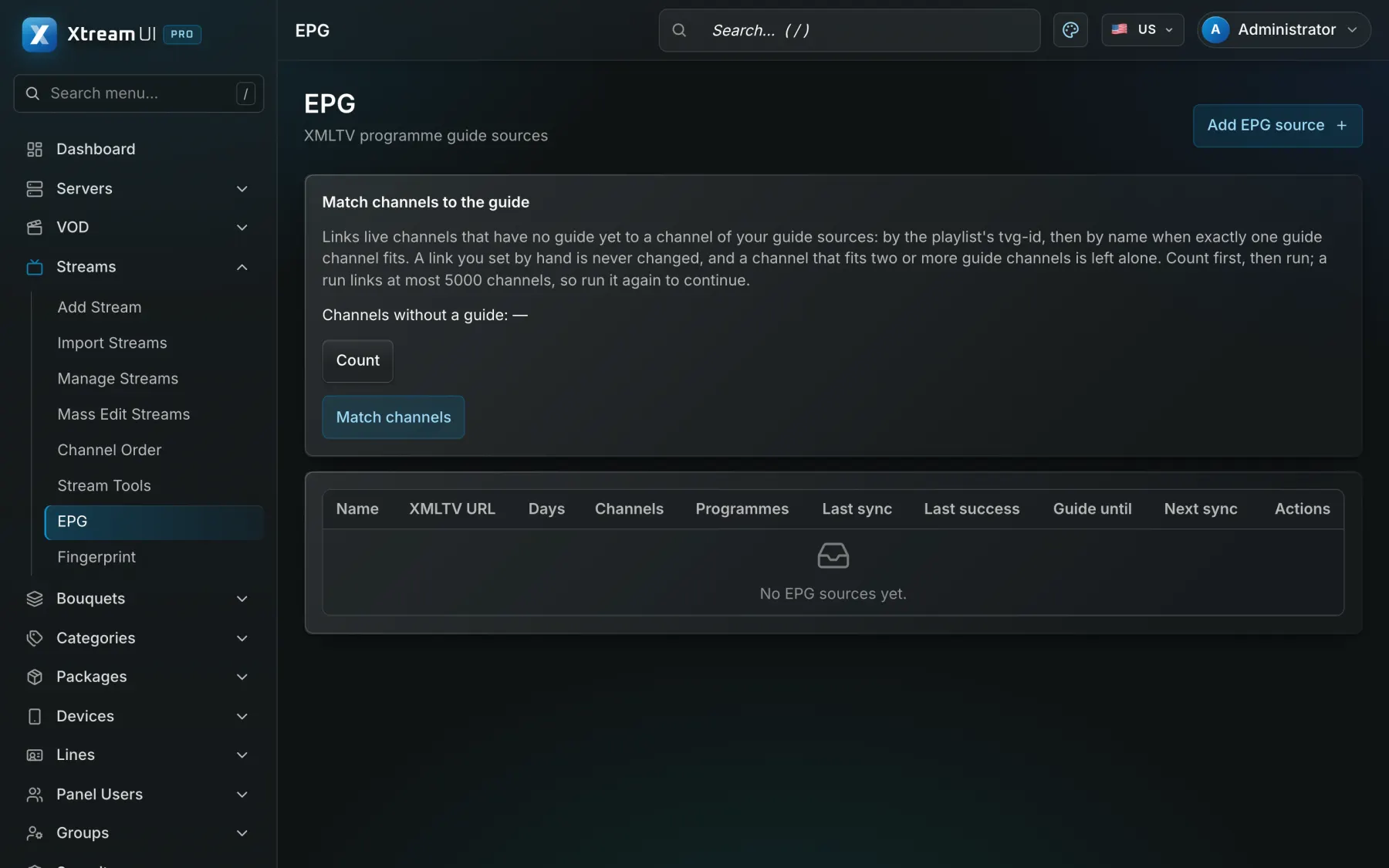
XMLTV sources are synced on a schedule and matched to channels, so the guide shows up in the player apps and the portals.
Where the source allows it, viewers rewind a channel and watch programmes that already aired, recorded by the origin.
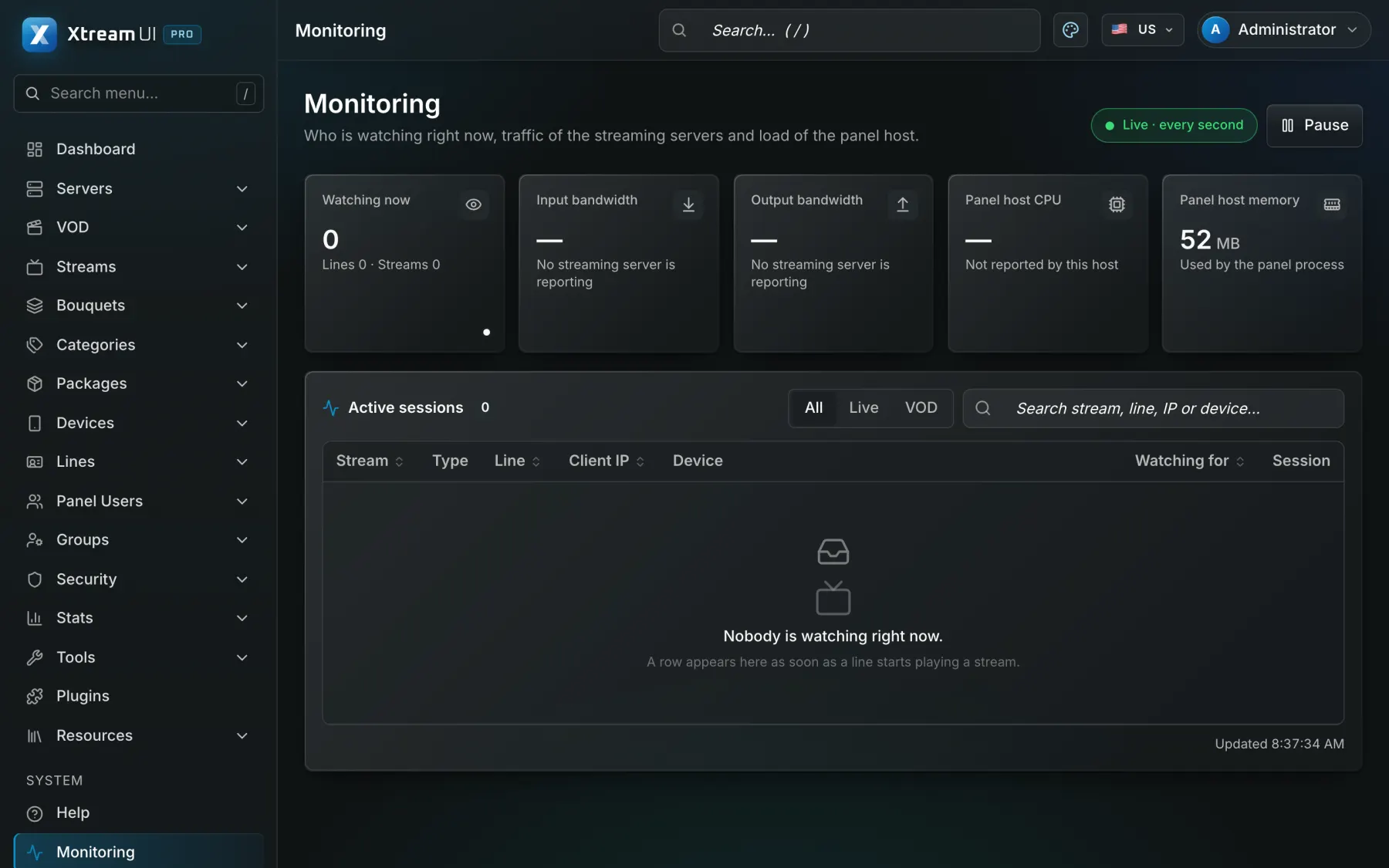
A probe checks sources on a schedule, stream errors are logged per channel, and the monitoring views show who is watching what.
In the panel
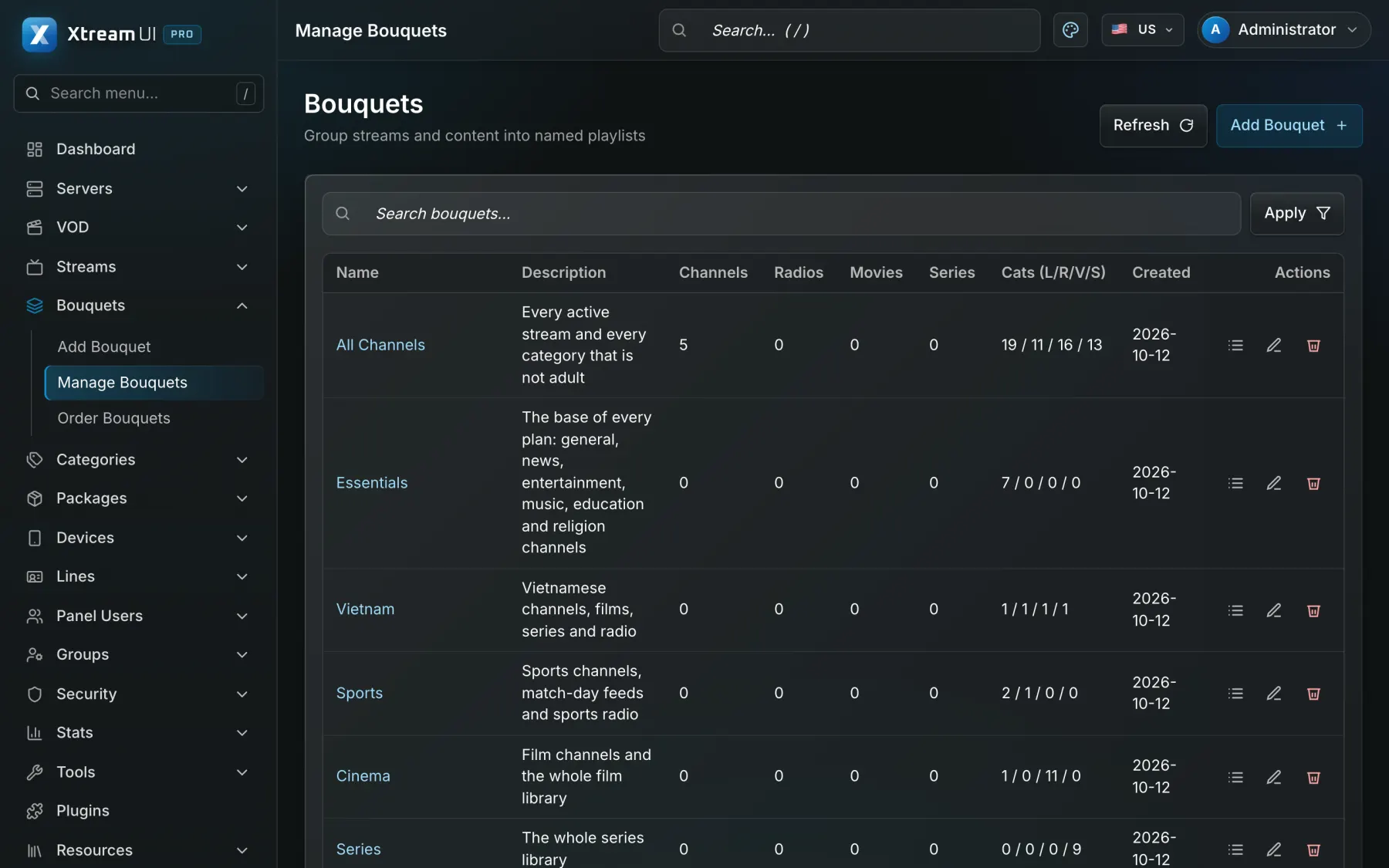
Screenshots of the dashboard of a fresh installation with the sample catalogue, as it ships. Nothing is mocked up.
How it works
Under Streams, give it a name, a category, its source and the output formats; the probe tells you at once whether the source answers.
A bouquet collects channels and films; a package grants bouquets, and every line of that package sees the channel.
The origin takes the channel once from its source; viewers are served by the origin or routed to the nearest node, with signed, expiring links.
Help centre
Product