
Nodes installed from the panel
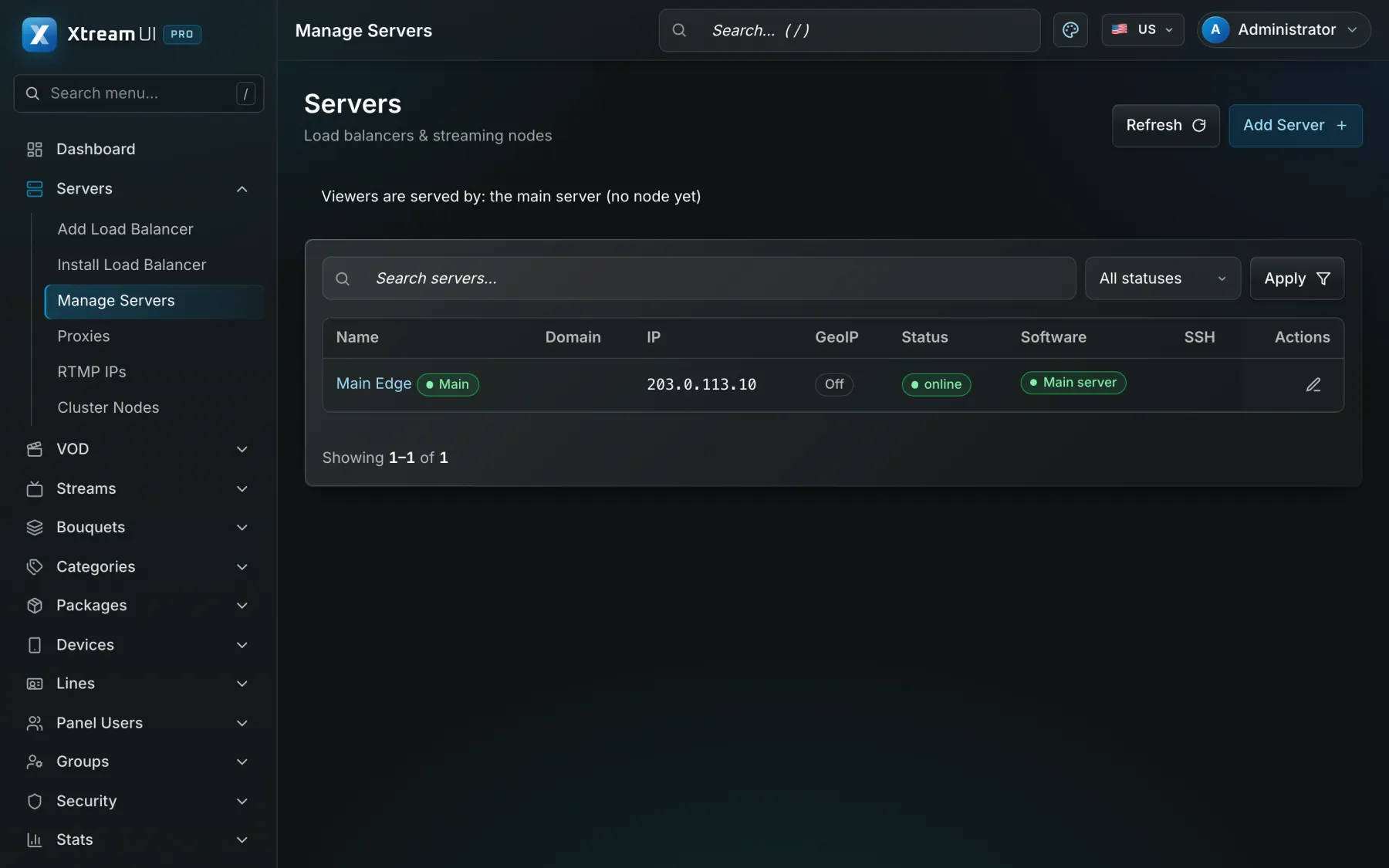
Add a server with its SSH access; the panel installs the node package, enrols it, and later upgrades or removes it the same way.
Product
One management server holds the catalogue and the subscribers; the origin takes each channel once; nodes you enrol from the panel carry the traffic to the viewers near them. Metrics, logs, alerts and backups keep the operation in view.
What you get
Add a server with its SSH access; the panel installs the node package, enrols it, and later upgrades or removes it the same way.
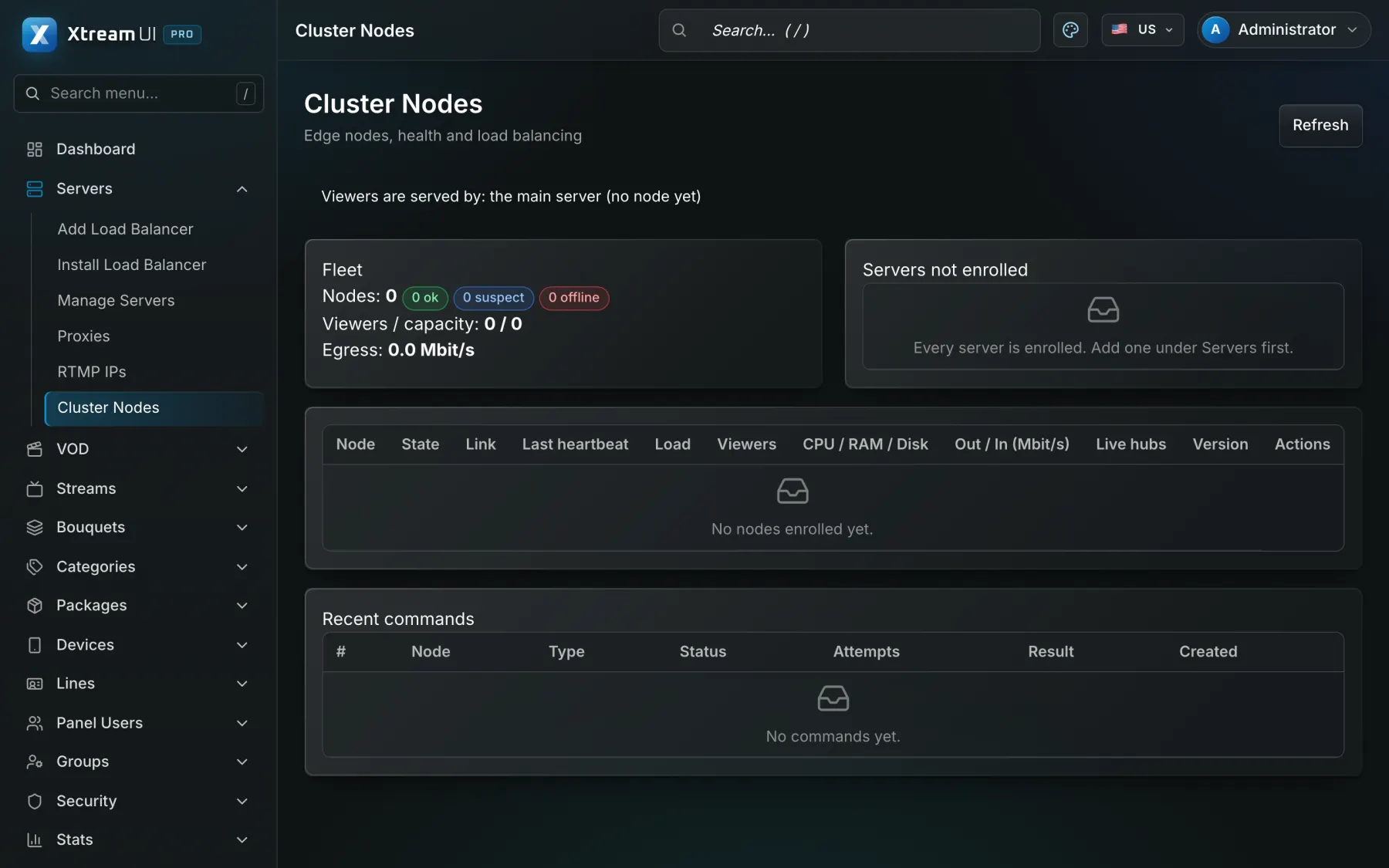
Viewers are sent to a node by load and, with a GeoIP database, by country; while no node is up, the origin serves everybody.
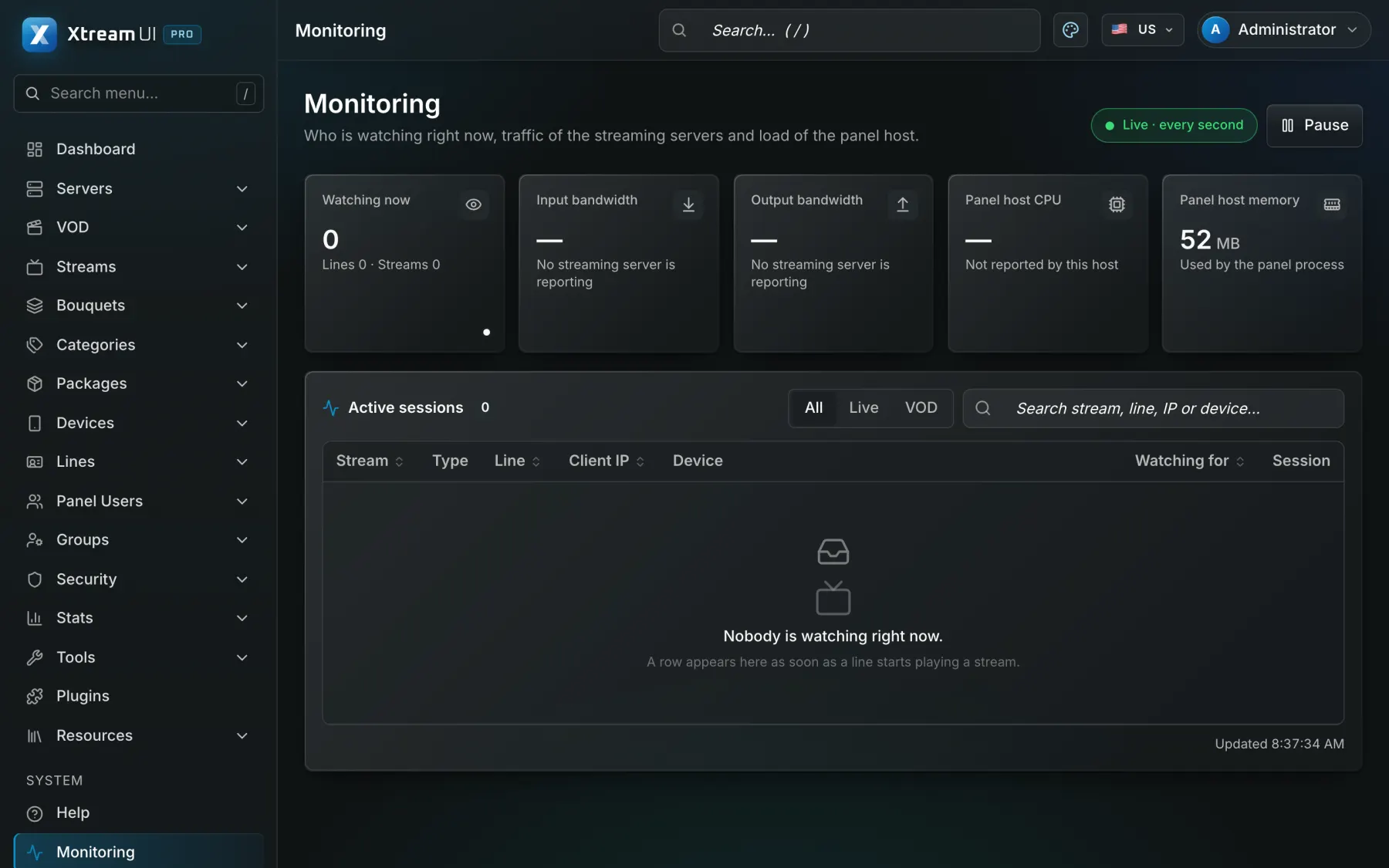
Prometheus endpoints for the API, the panel and the worker; connection and traffic views; an audit log; alerts by mail, Telegram or signed webhook.
Scheduled encrypted database dumps with a restore check and an off-site copy to S3-compatible storage; a maintenance mode that tells viewers what is going on.
In the panel
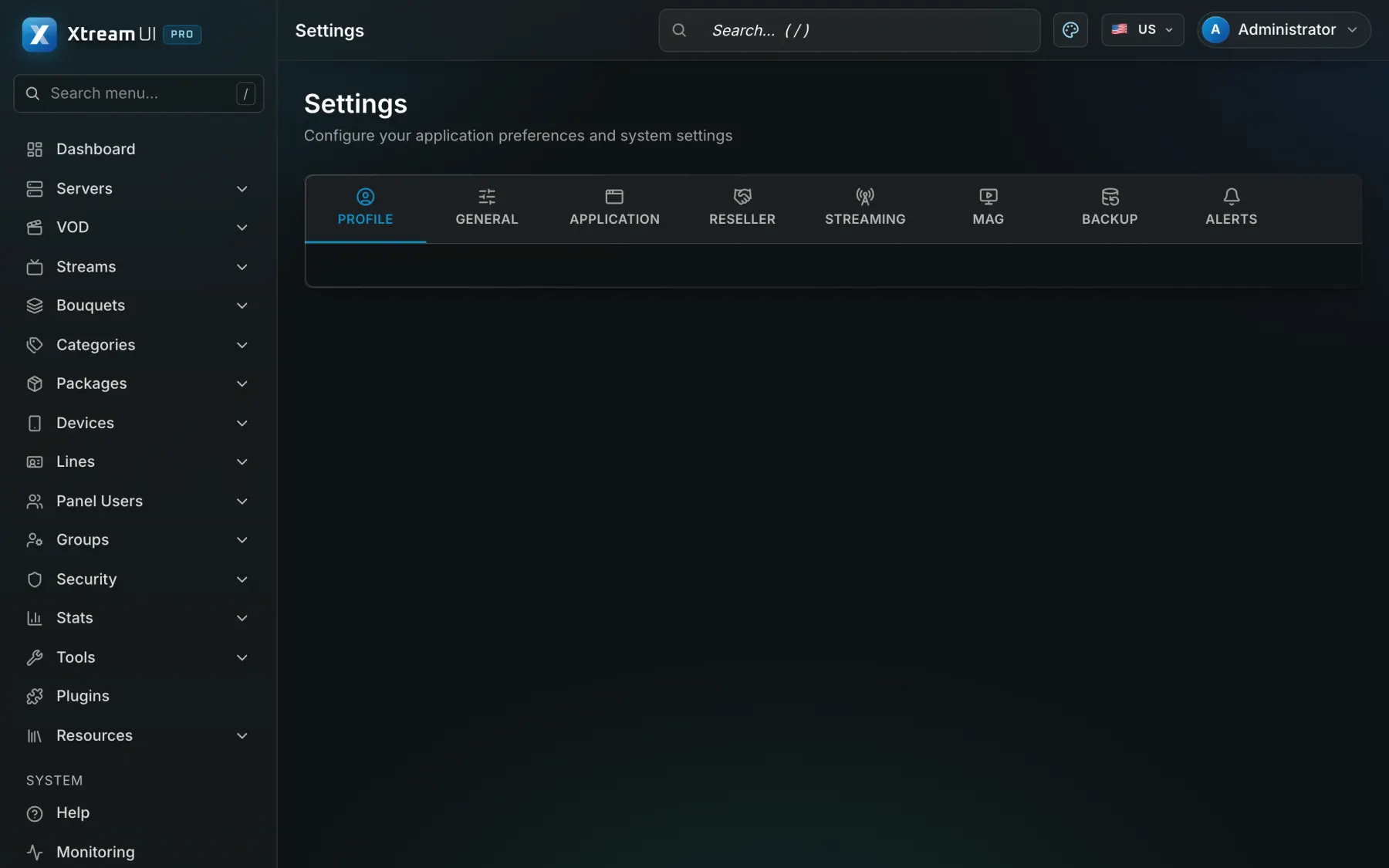
Screenshots of the dashboard of a fresh installation with the sample catalogue, as it ships. Nothing is mocked up.
How it works
The Ubuntu installer sets up the panel, the API, the worker and the origin as systemd units, with Postgres and Redis, on one server.
Under Servers, add the node's address and SSH access; the panel installs it from the node package and it starts reporting.
Metrics and the monitoring pages show the load; alerts reach you when something needs attention; backups run on their schedule.
Help centre
Product