
Movies, series, radio
Three kinds of entry with their own pages; series carry seasons and episodes, and the player apps show them the way viewers expect.
Product
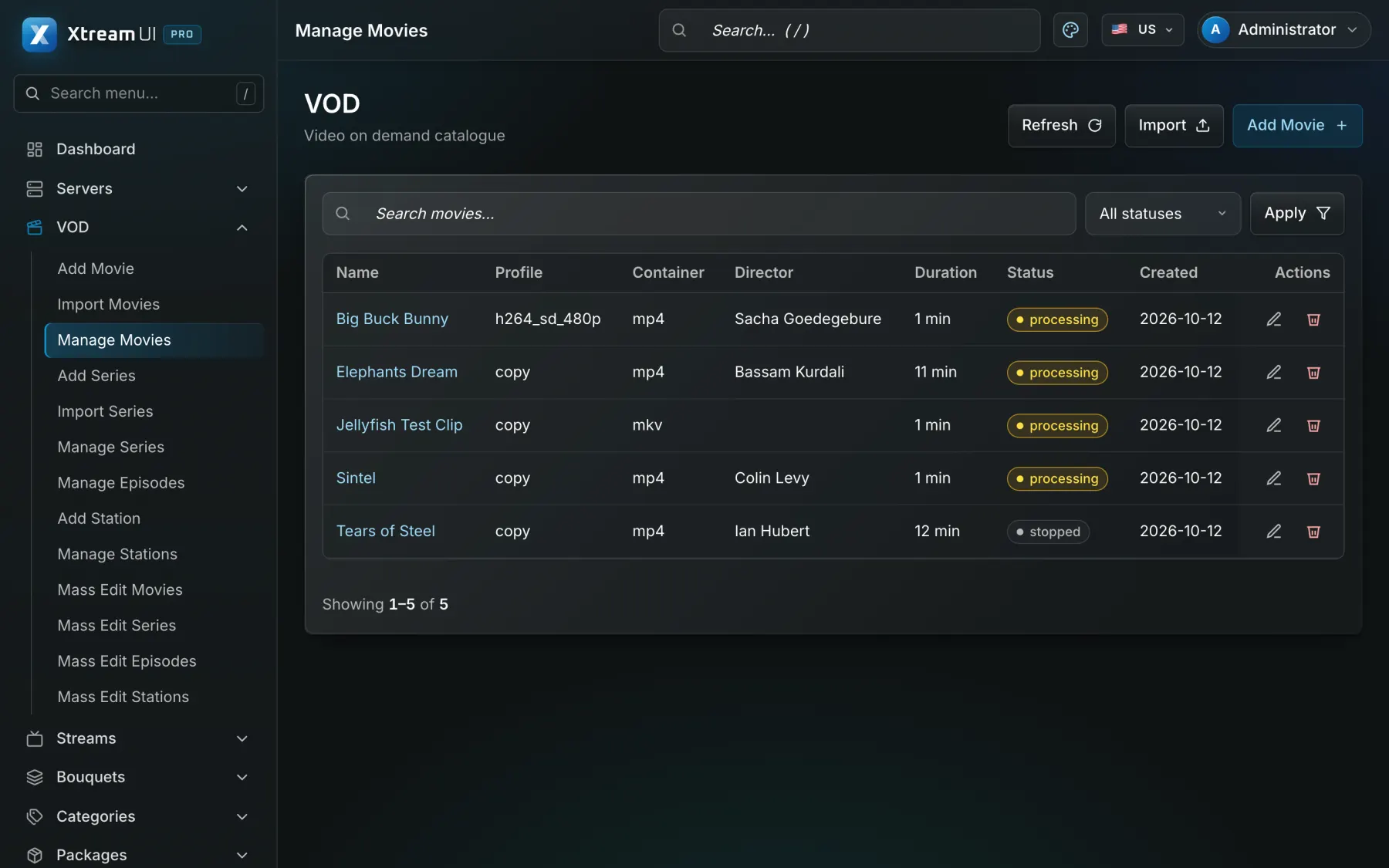
Movies, series with seasons and episodes, and radio stations live in categories you define, with posters and descriptions from TMDB. An ingest job downloads and encodes your sources into the media root, and the nodes cache what viewers watch.
What you get
Three kinds of entry with their own pages; series carry seasons and episodes, and the player apps show them the way viewers expect.
Titles, posters, descriptions and genres are fetched from The Movie Database with your own key, and refreshed on a schedule.
The vod_ingest job downloads a source or encodes it with ffmpeg into the media root, with a configurable parallelism and timeout.
Playback links are signed and expire; a node caches a film on first play and serves it locally afterwards.
In the panel
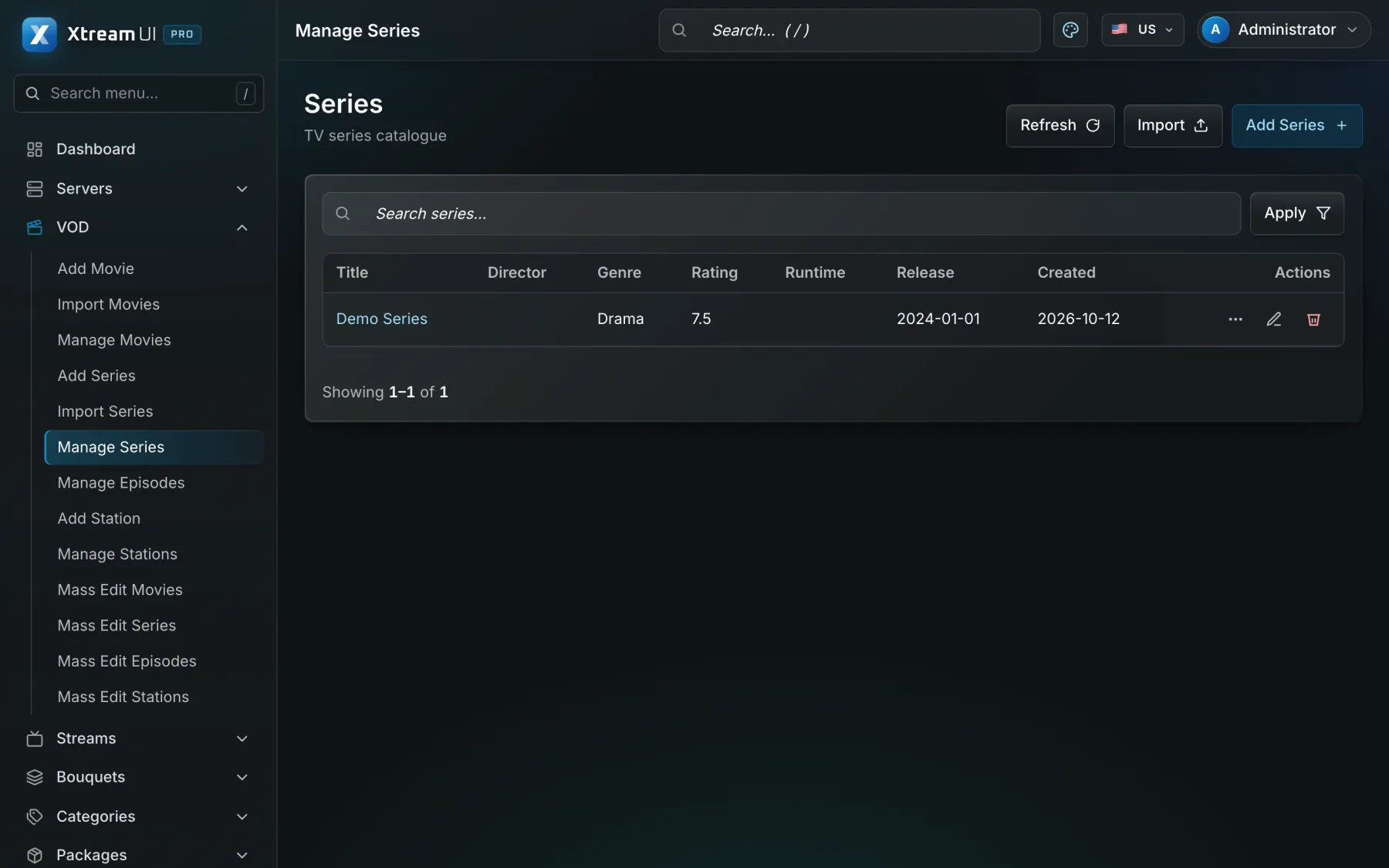
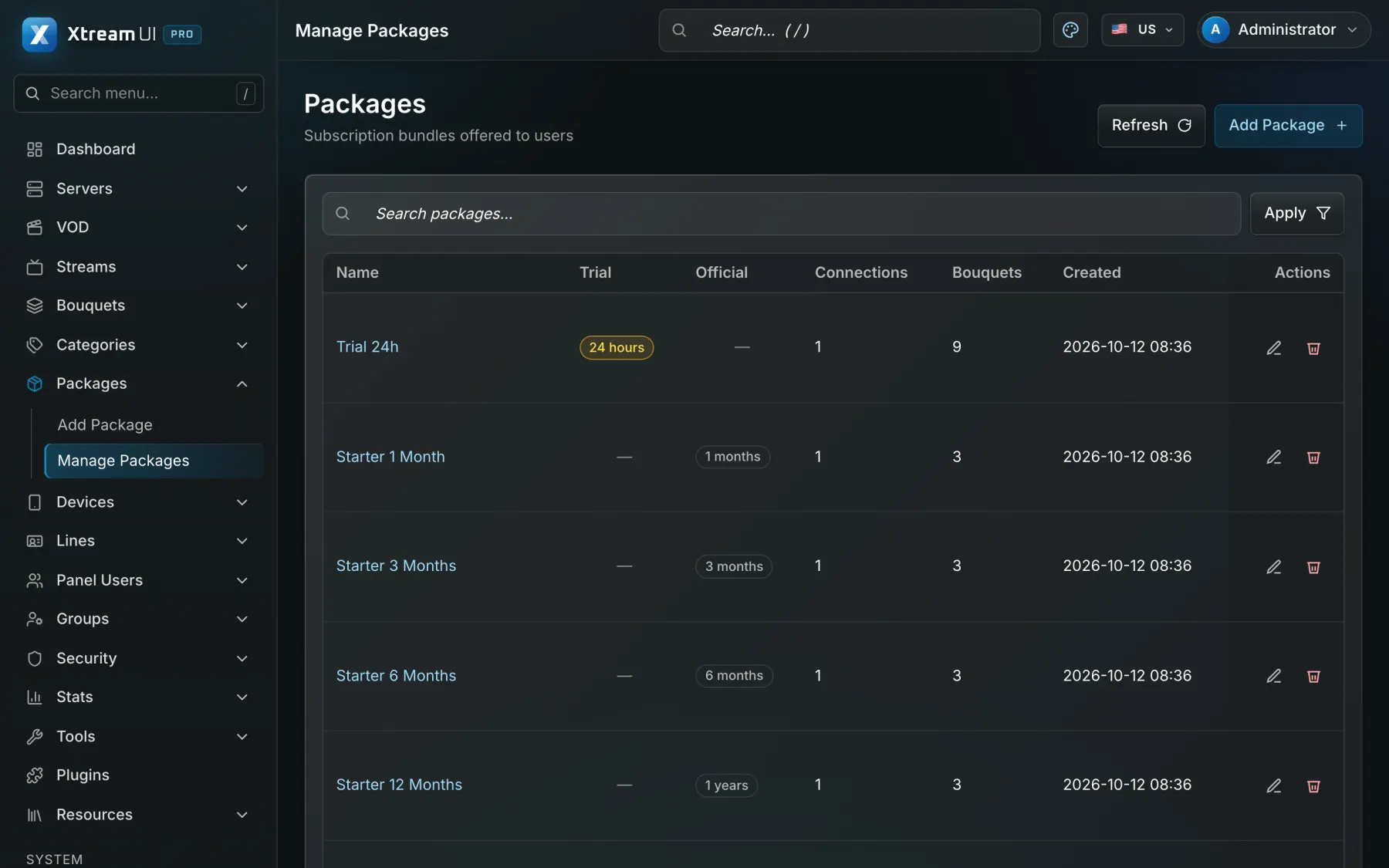
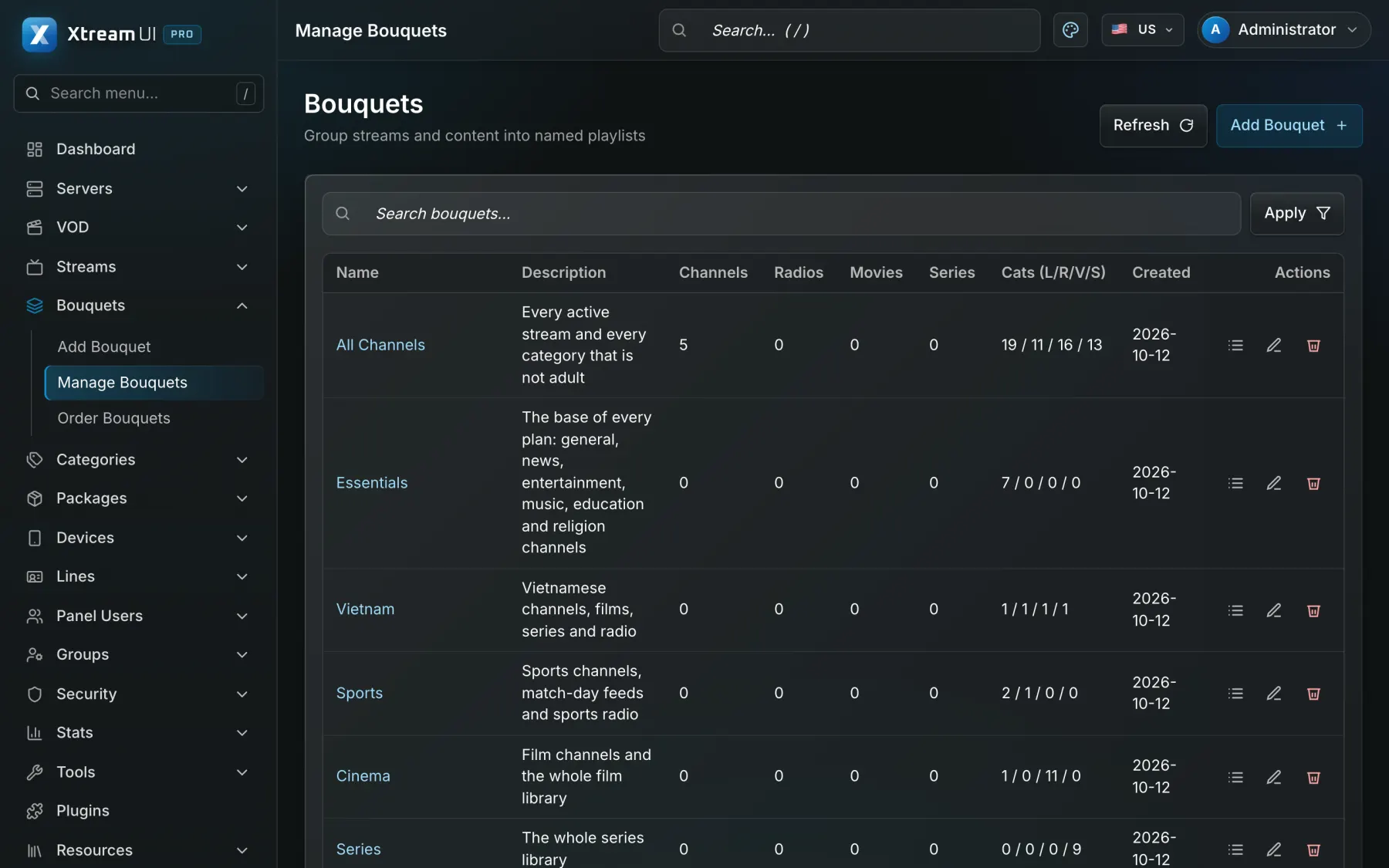
Screenshots of the dashboard of a fresh installation with the sample catalogue, as it ships. Nothing is mocked up.
How it works
Create the movie or the series under Movies or Series, pick its category, and let TMDB fill the poster and the description.
Point the entry at a file or a URL; the ingest job downloads and encodes it, and the Jobs page shows the result.
Put the title in a bouquet; the packages that grant that bouquet make it visible to their lines, in every player app.
Help centre
Product