At the end a second server takes the live channels once from the origin, caches on-demand files and serves the viewers routed to it. You need the panel installed with an https address for the API, a machine with Ubuntu for the node, and either SSH access to it or a shell on it.
Add the server in the panel
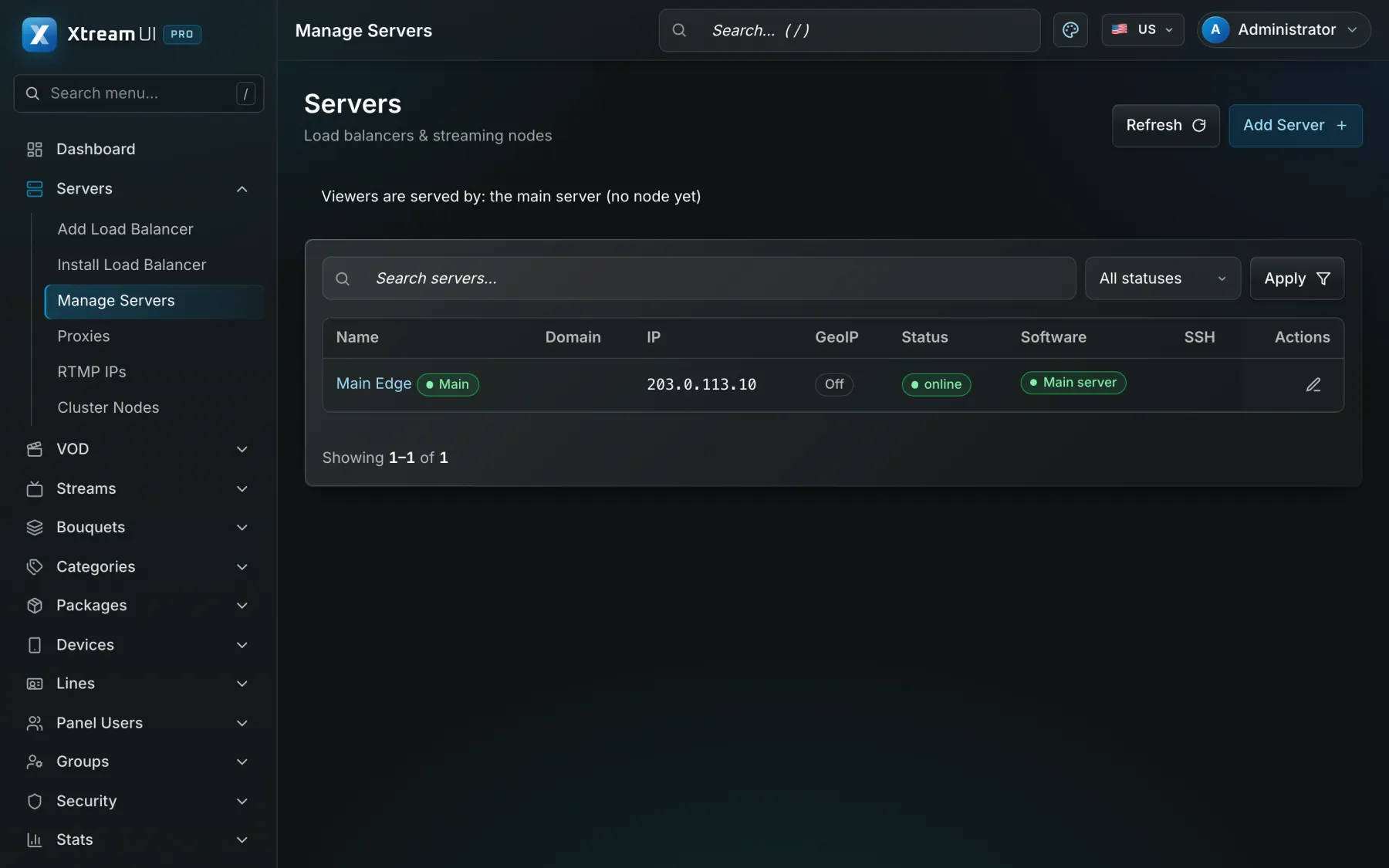
Open Servers and add a server for the node: its name, its IP, and the Server URL viewers use to reach it when that differs from the IP. For the SSH path fill the SSH tab with an account that is root or has password-less sudo; the password or key is encrypted at rest and the worker checks the access right after saving.
Path A: install from the panel over SSH
Servers → Install Load Balancer: pick the server, run Check SSH (operating system, CPU architecture, sudo, disk, clock, port 8080, reachability of the API) and then Install. The worker uploads the node package from its packages folder and installs it; the first connection pins the machine's host key; every step appears on the page as it runs and Servers → Jobs keeps the log with secrets filtered. The same page later offers Upgrade, Restart services, Enroll again and Uninstall.
Path B: enrol with a one-time code
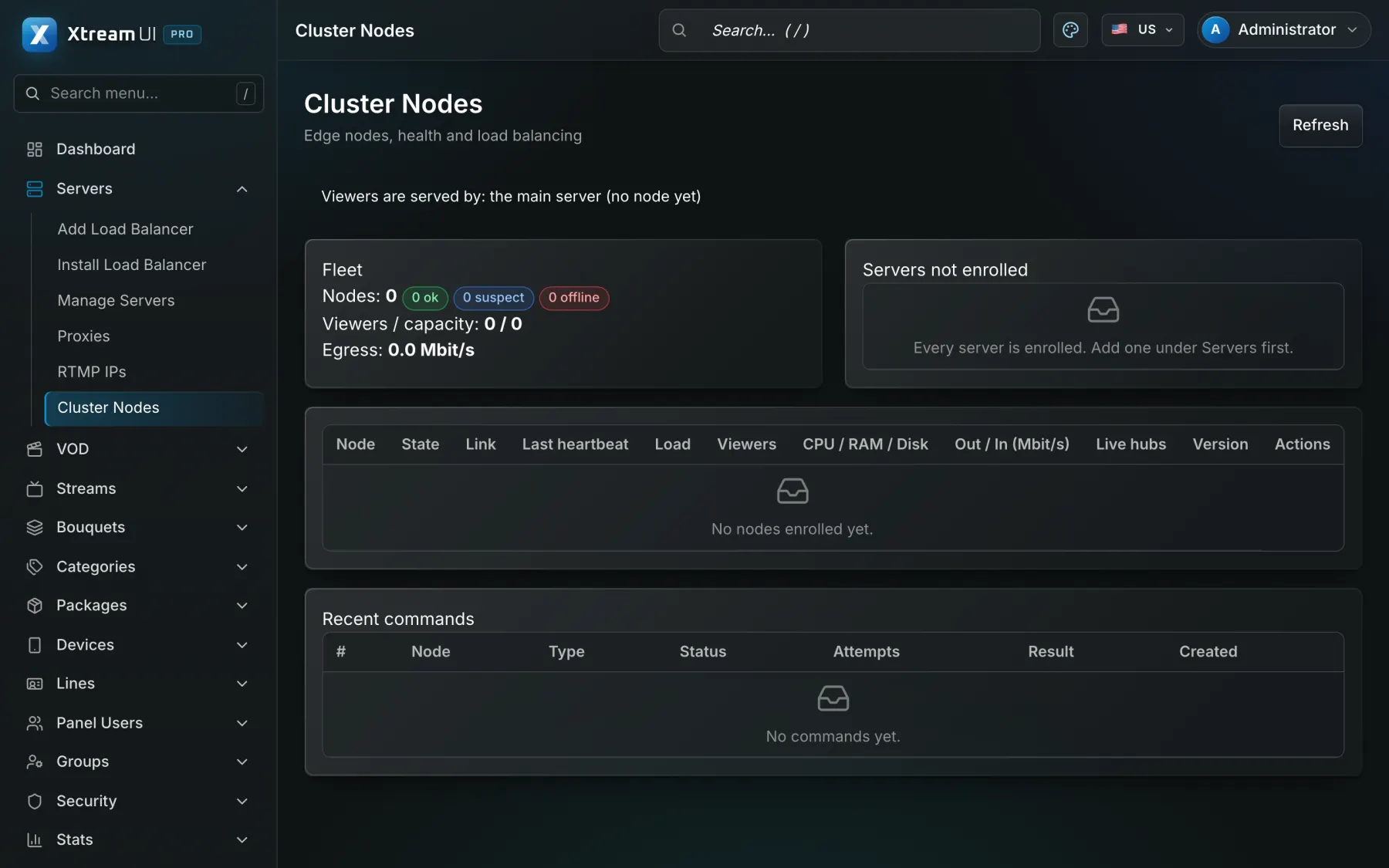
Cluster Nodes → Create enrol code gives a code valid thirty minutes. On the node run the installer in node mode: sudo ./install.sh --role node --main-url https://media.example.com --api-url https://api.example.com --public-url https://edge1.example.com --enroll-code XCE-… The node gets its own secret and key when it enrols; it never receives the panel's master secret. The API address must be https unless you pass --allow-insecure on a private network.
Check the heartbeat
Cluster Nodes shows the node as ok after its first heartbeat, with its load, viewers and cache; on the node, journalctl -u xtream-cluster-agent -f shows "config applied". A node that was revoked from the dashboard stops on its own; to join it again create a new code and enrol again.
See viewers reach it
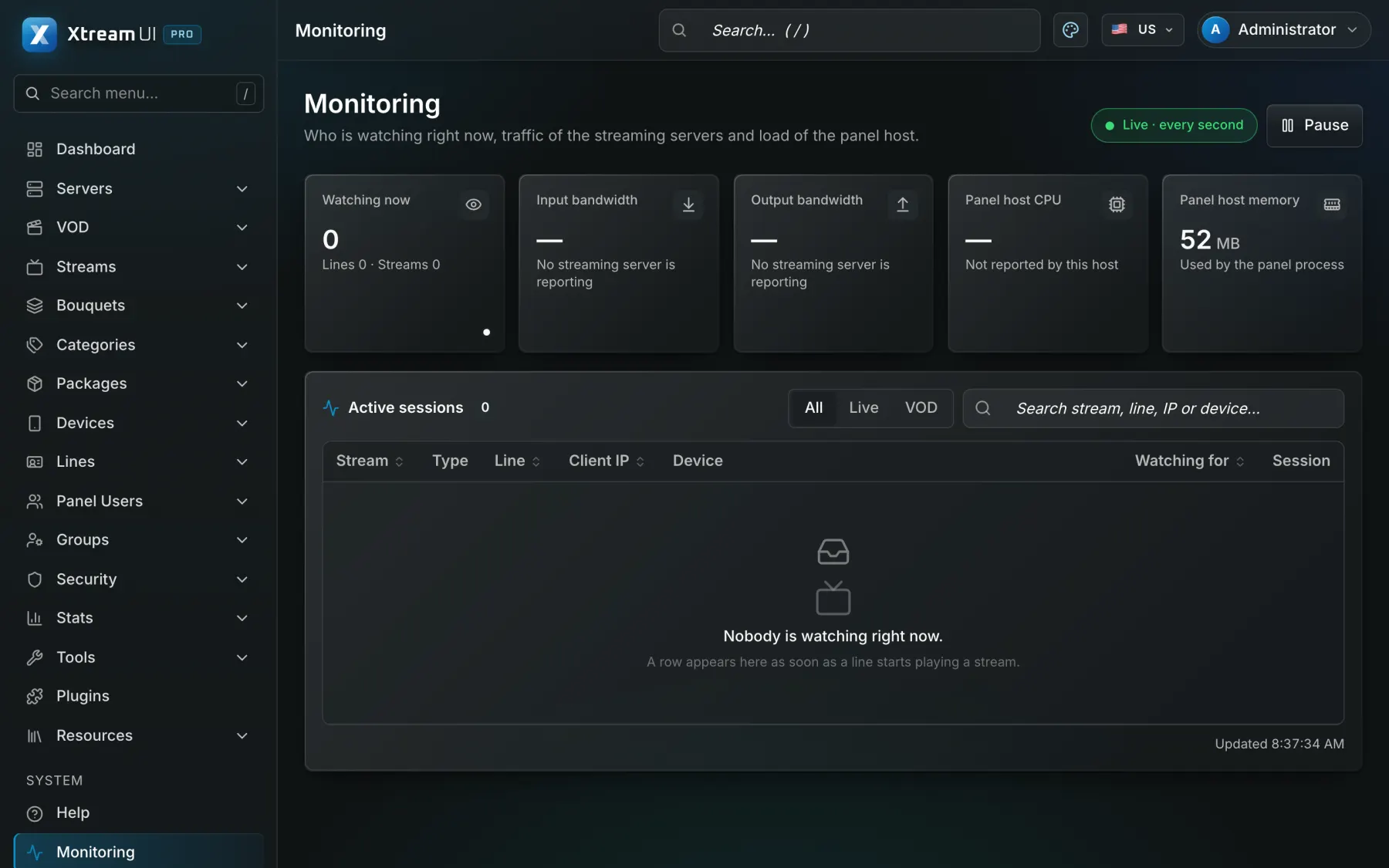
Viewers are routed to a node by GeoIP (with the country file the worker downloads) or by the assignment you set; a node takes a live channel once from the origin and fans it out, and fills its VOD cache from the origin on demand. Monitoring shows the viewers per node; a node that is draining takes no new viewers.